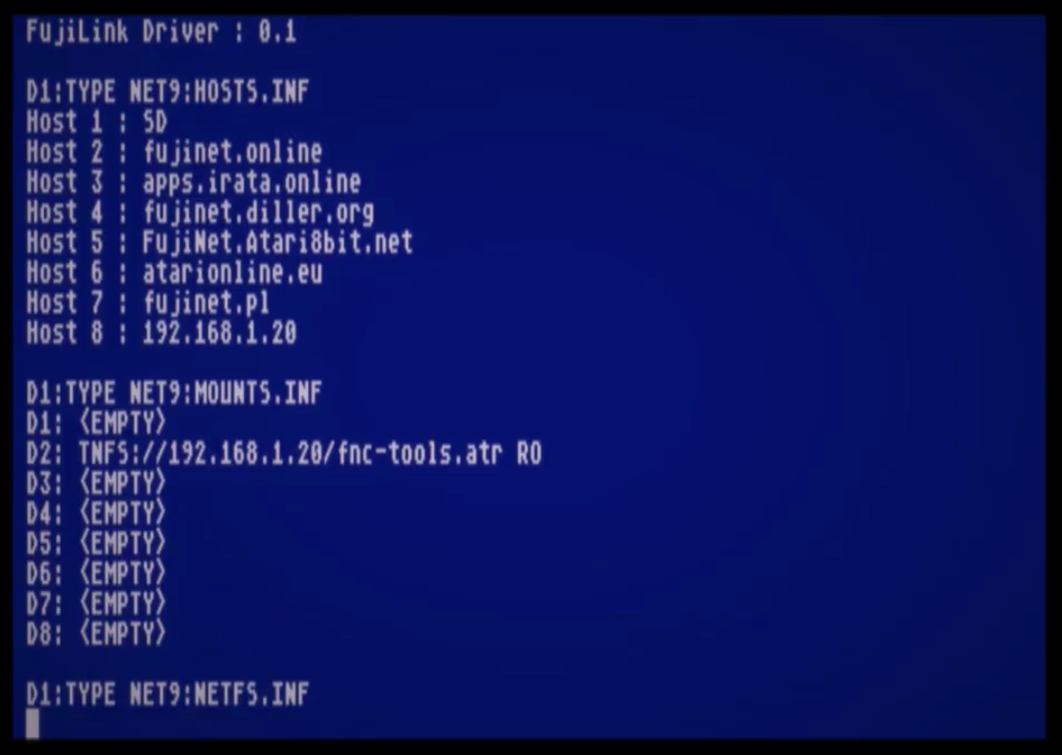
FujiLink: Native FujiNet Access for SpartaDOS X 4.50

FujiLink is a new SpartaDOS X driver that integrates FujiNet network resources directly into the operating system for Atari 8-bit computers. Instead of using a separate application, users can access FujiNet through standard SpartaDOS X commands and familiar device names.

The first public version, FujiLink 0.1, is already available for testing. It provides the essential functionality needed to mount and use FujiNet resources from SpartaDOS X 4.50.

FujiNet as a native SpartaDOS X device

Once installed, FujiLink adds a new NET: device handler to SpartaDOS X. It supports eight independently mounted resources, available as:

NET1:
NET2:
...
NET8:

Each device can point to a different FujiNet-supported resource. For example, a TNFS server can be mounted simply by changing the current directory:

CD NET3:TNFS://192.168.1.20/

The FujiNet SD card can be accessed in exactly the same way:

CD NET4:SD:///

After that, the mounted resource behaves like a regular SpartaDOS X device and can be used with standard DOS commands and applications.

One important benefit is that SD-card access does not require PCLink to be enabled in FujiNet or the separate PCLINK.SYS driver to be installed. FujiLink communicates with the FujiNet SD filesystem directly.

Managing mounted resources

Unmounting a single resource is equally simple:

CD NET3:-

This clears the FujiNet prefix assigned to NET3:.

All currently configured network mounts can be removed with:

CD NET:--

FujiLink also provides a small virtual filesystem through NET9:—also available as NETI:—containing status and information files.

For example, the list of currently mounted resources can be displayed with:

TYPE NET9:NETFS.INF

The objective is to expose as much FujiNet functionality as possible through ordinary SpartaDOS X conventions. After installing the driver, users should not need a separate configuration program for everyday filesystem operations.

Installation

Installing FujiLink requires only a few steps:

  1. Connect FujiNet to the Atari and boot SpartaDOS X 4.50
  2. Copy FUJILINK.SYS to a disk, SDX ROM image or cartridge
  3. Add the following line to CONFIG.SYS:
DEVICE FUJILINK
  1. Reboot SpartaDOS X.

The NET: devices will then become available automatically.

Current status

FujiLink 0.1 is the first working public prototype. The fundamental filesystem operations are already functional, but the driver still needs broader testing with existing SpartaDOS X software.

Some compatibility issues have already been identified with tools such as MENU and Sparta Commander. These appear to be solvable, but testing with a wider range of applications will help define the final behaviour of the driver.

Aliases, redirection and other advanced SpartaDOS X features also require additional testing.

Planned development

One of the main priorities is reducing FujiLink’s conventional-memory footprint. The current prototype allocates more memory than the final driver should require. A future release is planned to introduce more compact code and lazy memory allocation, reserving resources only when they are actually needed.

A dedicated version for computers equipped with a 65816 processor is also under development. FujiLink816 will be able to move most of the driver into 65816 linear memory, leaving considerably more of the Atari’s main address space available to SpartaDOS X applications.

Planned improvements include:

  • a significantly smaller memory footprint;
  • lazy allocation of internal buffers;
  • a dedicated and more memory-efficient 65816 version;
  • improved compatibility with SpartaDOS X utilities;
  • further integration with aliases and redirection;
  • public procedures that other programs can call;
  • access to system information such as FujiNet’s IP address;
  • optional startup scripts for automatically mounting frequently used resources.

A simple NETMOUNT.BAT file could, for example, contain a sequence of CD commands and restore all preferred network mounts during system startup.

Developed natively for the Atari

FujiLink is also an important real-world test of the new ORCA/DevKit toolchain for Atari computers. The driver was developed with:

  • ORCA/DevKit for Atari;
  • LenkaVM 65816, used for regression testing and running the development environment;
  • Opus 4.8 for AI-assisted code generation.

No conventional cross-compiler was used—the project was built with an Atari-native development toolchain.

FujiLink and its 65816 counterpart are planned to be released as open-source software.

Feedback wanted

FujiLink 0.1 has been available for several weeks, but more feedback from users is needed. In particular, practical use cases and suggestions will help determine which functions should receive priority in future releases.

If you use SpartaDOS X 4.50 and FujiNet, please test the driver with your normal software and share any compatibility problems, ideas or missing features.

The first release and further discussion are available in the FujiLink topic on AtariAge.

A demonstration of the first working version can also be watched on YouTube.
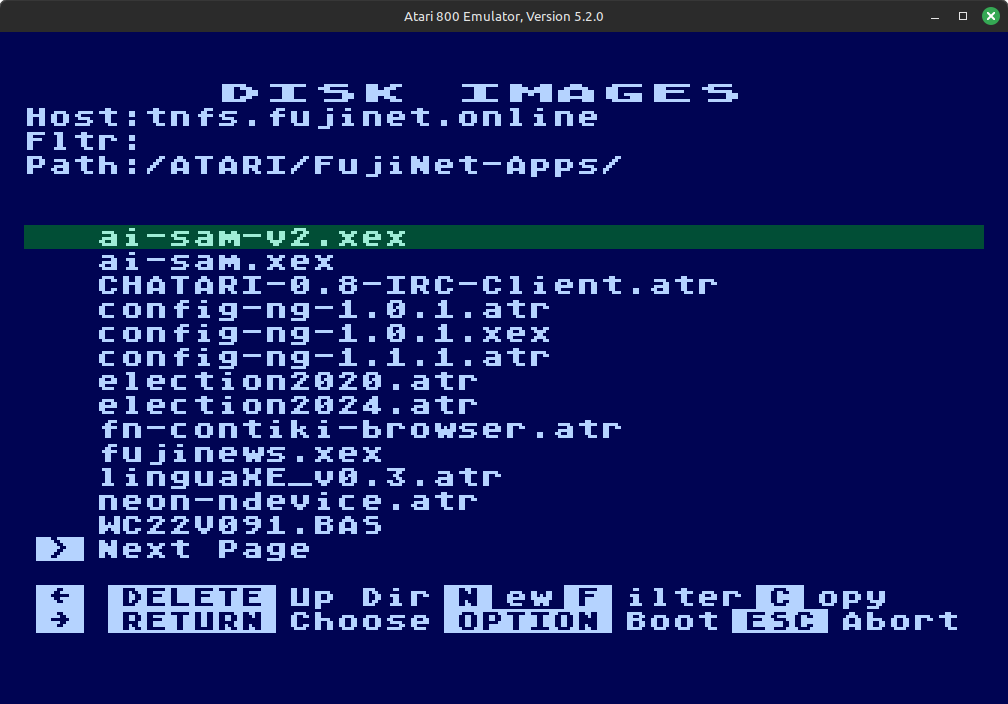
FujiNet-PC for Atari800 Emulator

We are happy to announce that support for FujiNet-PC Atari is available in the atari800 emulator source code. FujiNet-PC for the Altirra Atari 8-Bit emulator has been available for quite some time but it is natively a Windows only program. While Altirra can run on Linux and Mac under Wine, atari800 can be built to run natively on these platforms.

Until a new version of atari800 is released, you can build their latest source code to get NetSIO support which interfaces with FujiNet-PC. FujiNet-PC builds for Linux and Mac are available on the releases page or you can build it from source also.

NetSIO is a protocol created by FujiNet developer apc that acts as a middle-man or bridge between the emulator and FujiNet-PC. Since FujiNet began as a real hardware device for Atari, it conforms to the SIO specifications and makes use of all the hardware pins on the SIO port and these pins must also be emulated for FujiNet to work correctly. NetSIO forms data packets that are passed to FujiNet-PC via UDP.

NetSIO should be enabled at build time automatically for Linux and Mac builds of atari800 or you can optionally specify –enable-netsio when running the configure script before building it. Note, atari800 NetSIO will only work with Linux or MacOS and not for Windows. Once you have atari800 built, run FujiNet-PC first then just add -netsio to your atari800 command line options to enable it. It will automatically connect to FujiNet-PC and boot the usual CONFIG program.

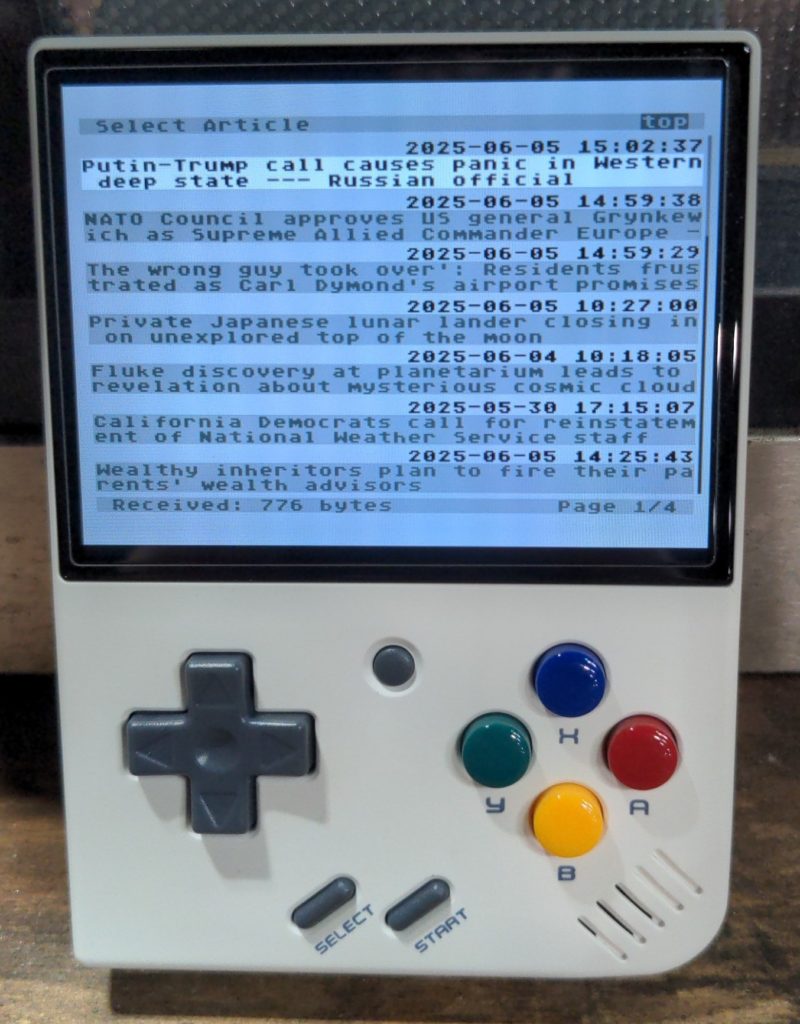
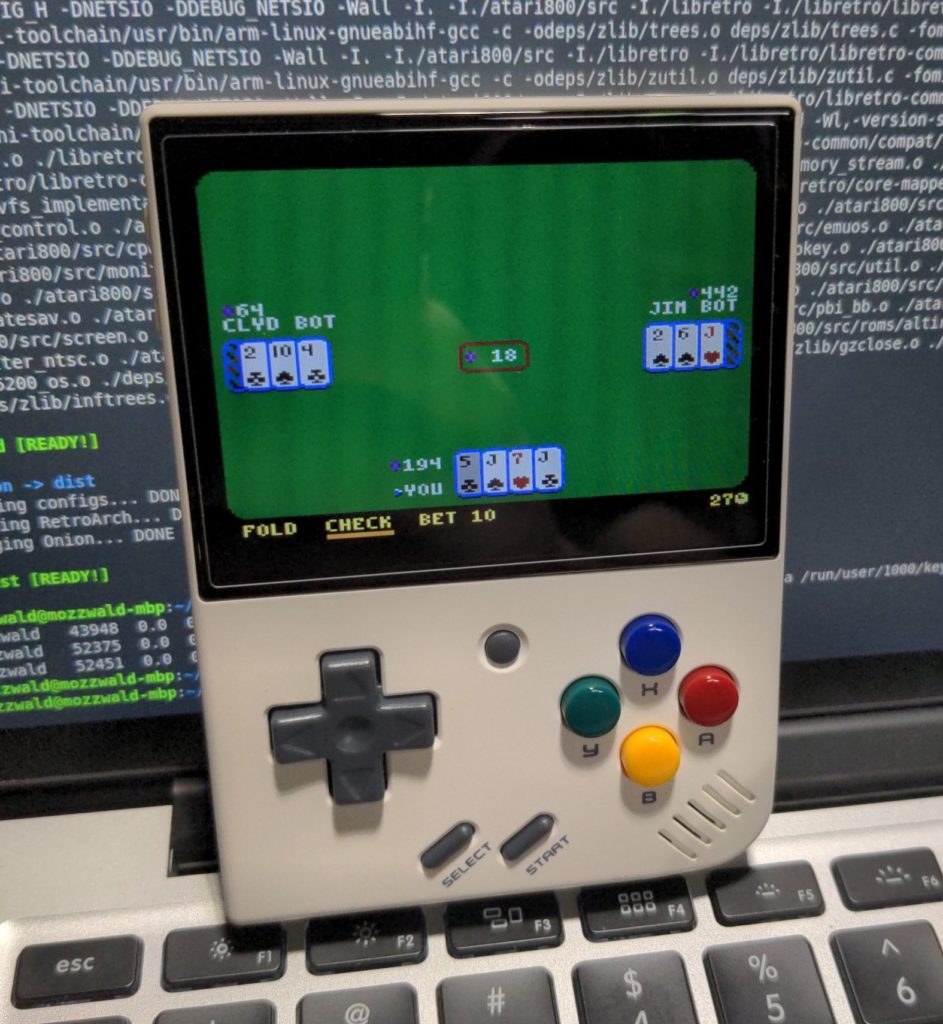
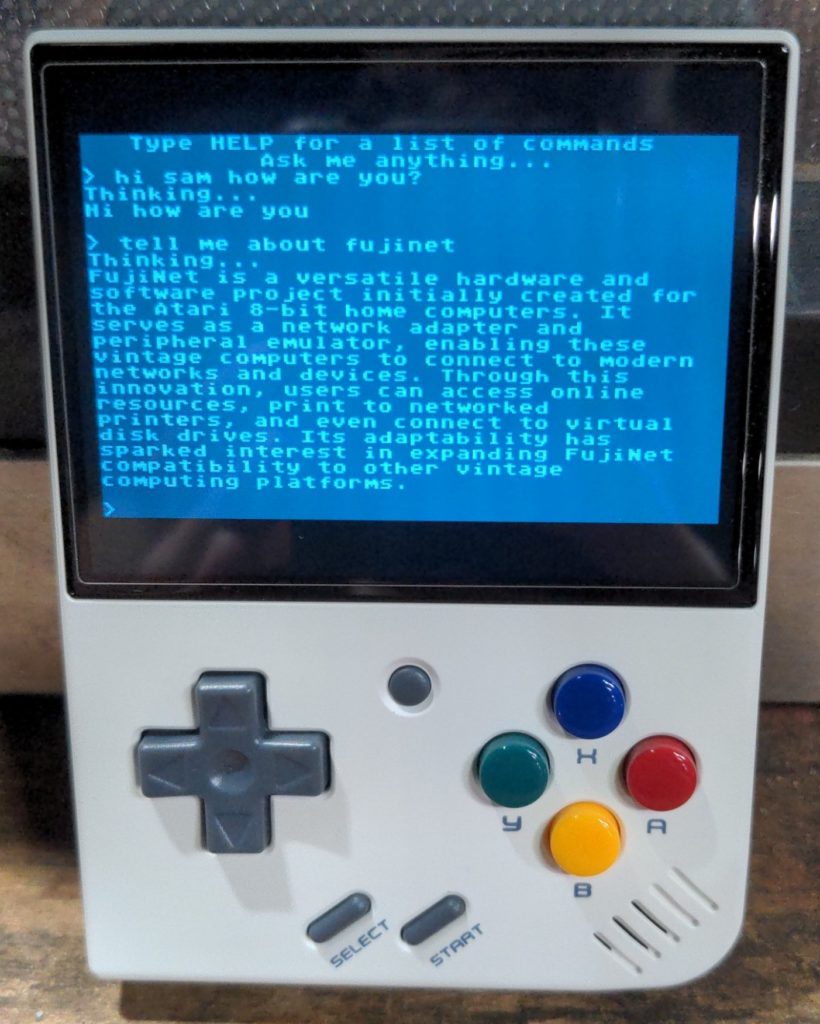
This opens the door for FujiNet-PC to run on any device running Linux including low power ARM devices. Some of us on the dev team have been working to get it running on the Miyoo Mini Plus handheld emulator which has wifi built-in. This means it is possible to have a FujiNet on the go!

FUJINET 1.5.0

FujiNet Firmware 1.5 Released!

The newest firmware for ATARI, Apple2, CoCo, and Coleco Adam devices, FujiNet Firmware 1.5, has been released! Below you’ll see a distilled set of changes that have gone into this firmware release, which supersedes the 1.4 release that happened last year in August.

A huge thank you to everyone who helped get this release cut!

FujiNet Firmware Release v1.5.0

All Platforms

  • Recursive TNFS Filtering added
  • Memory optimizations and performance enhancements
  • Added support for new QR code generator functions

Atari 8-Bit

  • Correctly set CLK_IN GPIO to avoid interfering with other SIO devices when not used
  • Integrated new Altirra 850 handler and relocator — fixes crash when pressing the Break key
  • Heap free reporting added to FujiNet button B
  • Improved SIO network protocol parsing
  • sio_random_number() API added
  • Added QR Code generator support to Fuji Device
  • Config-NG (Next Generation) option added to WebUI

Apple II

  • Added QR Code generator support to Fuji Device
  • Improved Disk II handling:
  • Disk II WRITE support added
  • Disk creation UI enhancement: added DOS 3.3 to “New Disk” menu
  • Config now shows SLOT and DRIVE number for Disk II mounts
  • Added SmartPort command to retrieve FujiNet heap size

Tandy Color Computer (CoCo)

  • Improved network device open behavior using deviceSpec
  • set_prefix support merged from SIO

Coleco ADAM

  • Aligned with general v1.5.0 core improvements and stability updates

Commodore IEC

  • Improved protocol reliability and saveFile functionality
  • Fixed ATN detection and timeout handling
  • Merged with recent Meatloaf firmware
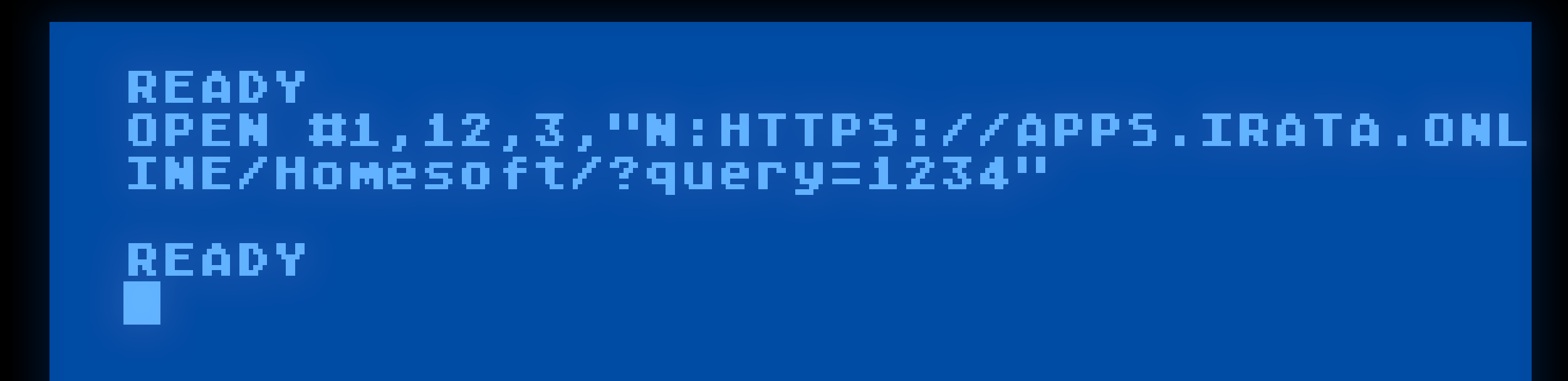
Doing an HTTP GET with Atari Basic with mode 12.

[Developers] When Doing HTTP GET, use Mode 12 !

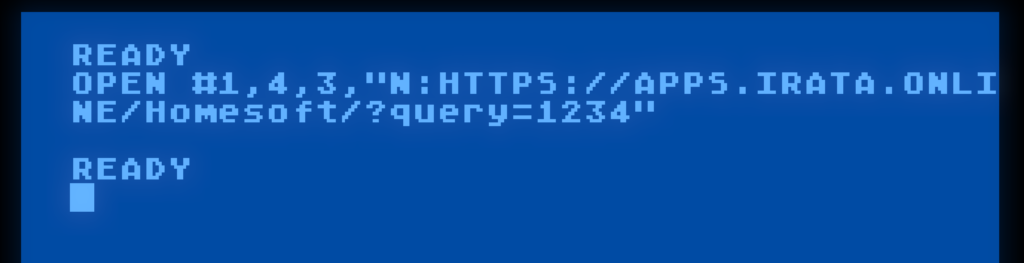
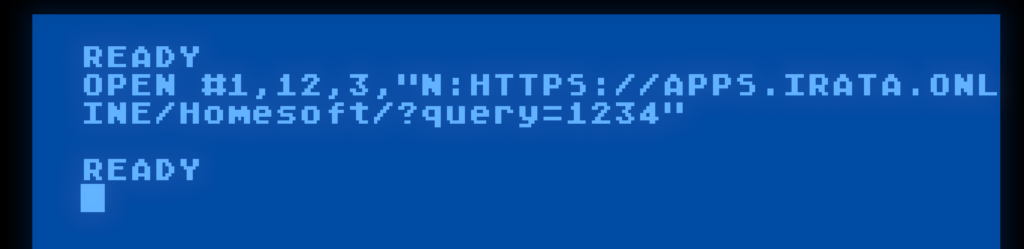
TL:DR – When opening an HTTP GET connection, use mode = 12. Mode = 4 now does URL encoding of the path when it’s passed in, and will probably not be what you want.

While Mode = 4 is also an HTTP GET, it will attempt to resolve filenames and encode them so that they can be safely passed to and from a web server. It is intended for accessing plain files on HTTP and WebDAV servers.

So if you’re doing this in ATARI BASIC:

Change it to this:

For cross-platform C programs written in fujinet-lib, use the HTTP_GET_H constant in nopen():

network_open(buf, OPEN_MODE_HTTP_GET_H, OPEN_TRANS_NONE);

While Apple2 users using the AppleSoft BASIC extension should do:

& NOPEN 0, 12,0, "N:HTTPS://APPS.IRATA.ONLINE/Homesoft/?query=1234"

The Change, in Detail

Web servers, and in fact the standard that dictates the format of a URL give special meaning to characters like ? and &, as well as disallowing spaces. If these characters are to be used as part of a file name, they must be encoded so that the web server can pass them through literally.

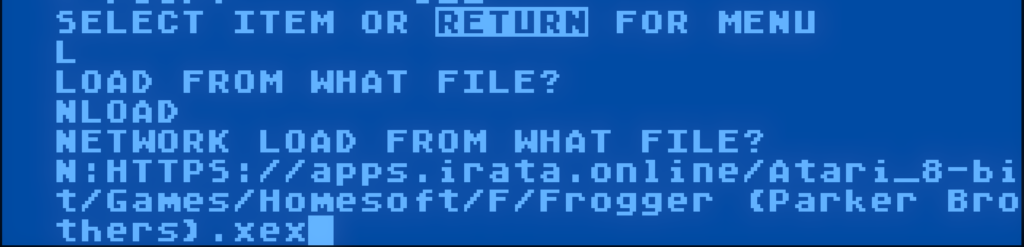
On the ATARI, at least. You have the N: device. It can open any type of network connection, including to a networked filesystem. This can be used to access files stored on web servers. The encoding of filenames can break the seamless transparency expected, so some additional processing now happens in the FujiNet firmware to encode filenames so that web servers will treat them literally.

For example, with the latest change, this command works as expected:

On Open, the HTTP protocol adapter executes this piece of code here: https://github.com/FujiNetWIFI/fujinet-firmware/blob/master/lib/network-protocol/HTTP.cpp#L322

    if (aux1_open == 4 || aux1_open == 8)
{
// We are opening a file, URL encode the path.
std::string encoded = mstr::urlEncode(url->path);
url->path = encoded;
url->rebuildUrl();
}

return !client->begin(url->url);
}

Which transforms the above entered URL into:

Atari_8-bit%2FGames%2FHomesoft%2FFrogger%20%28Parker%20Brothers%29.xex

…before opening, so the web server is happy.

It does, however, make a bit of a mess when dealing with query parameters, as characters like ? get encoded, and the web server treats them literally as part of the path, rather than as the special query character:

Atari_8-bit/Games/Homesoft/F/Frogger/Frogger (Parker Brothers).xex?query=foo

gets the query part mangled into:

%2FAtari_8-bit%2FGames%2FHomesoft%2FFrogger%20%28Parker%20Brothers%29.xex%3Fquery%3Dfoo

…a mess.

This is why if you’re utilizing some web address that does an HTTP GET, and accepts query parameters, to please use mode 12, which does not do any transformation of the input, and passes it to the web server, unmolested.

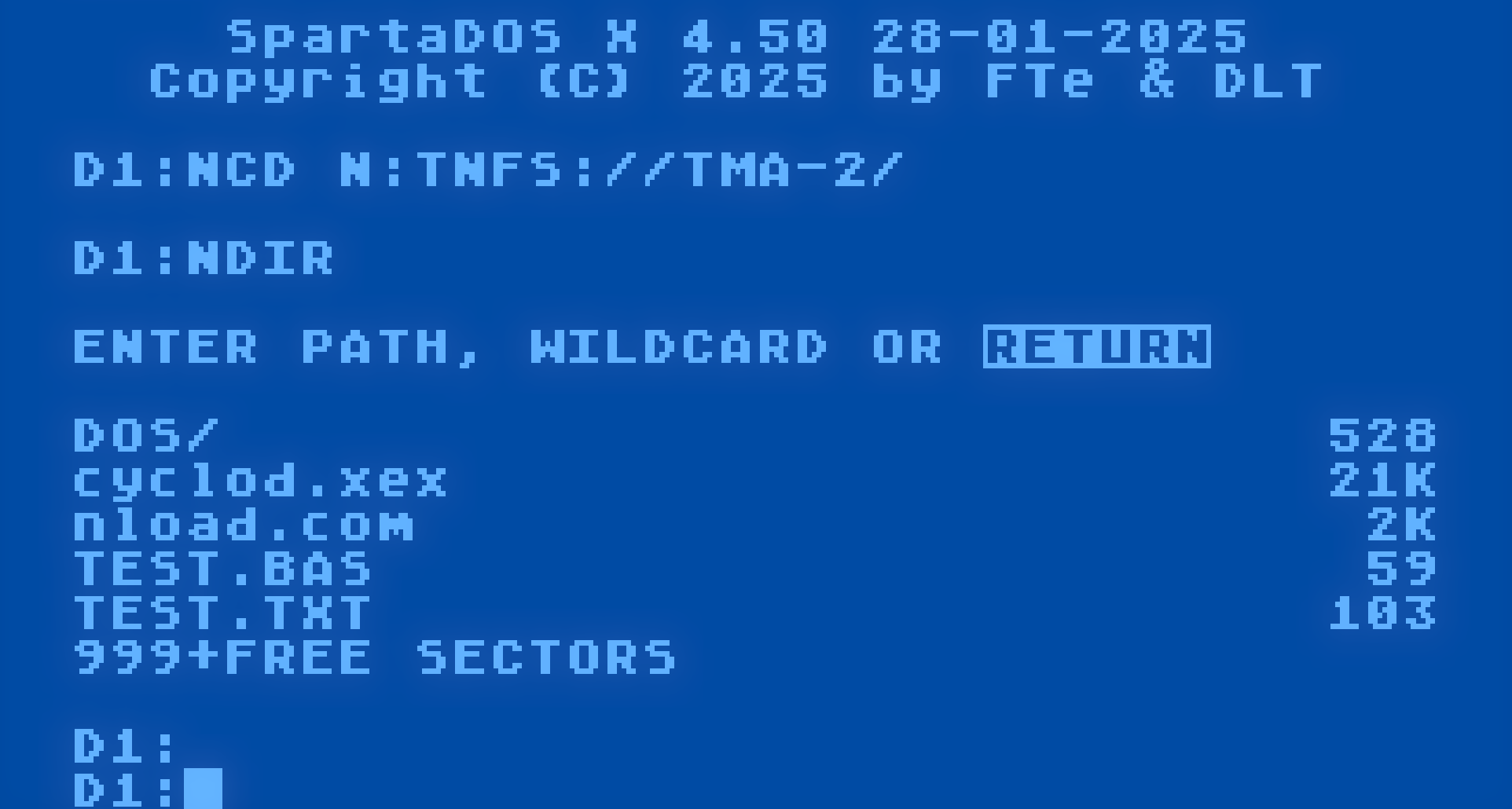
Showing the NCD and NDIR from the N tools in SpartaDOS X

[ATARI] Why the N tools?

FujiNet exposes several devices to your ATARI computer. One of them is the network device, which can access local or Internet network resources. While we provide a handler that adds an N: device, certain programs (such as the DUP.SYS in ATARI DOS 2.0) write over the handler when they load into memory, making the N: device unusable within DUP.

To work around this, a series of tools exist which access the FujiNet network device directly via SIO, thus do not require the presence of the N: handler (also called NDEV.COM).

Each tool has been tested in every possible DOS, and have been made to adapt accordingly. Since SpartaDOS, OS/A+ / DOS XL, and XDOS all support command line parameters, the tools automatically fetch parameters if they are present. The tools fall back to interactive mode if no parameters are given on the command line.

Each tool (with the exception of NCOPY) has been written to assume that no use of N: means to refer to N1:. There are 8 such N[x]: devices, numbered N1: to N8:. Both the N: handler (NDEV.COM) and the N tools refer to the network devices in this same way.

Furthermore, the companion disk, fnc-tools-doc.atr contains documentation for each tool mentioned below.

The Tools

The tools themselves are not only present on the fnc-tools.atr disk on the apps.irata.online TNFS server, they are also present on each and every disk in the DOS folder on the same server. They are called the N tools, because they all begin with the letter ‘N‘:

  • NCD. Changes the directory pointed to by the selected N[x]: device. It’s useful so you don’t have to type the full path to a URL, each and every time you refer to an N[x]: device. So you can type N:FROG.EXE instead of N:FTP://ftp.pigwa.net/stuff/collections/holmes cd/Holmes 2/Atari Archives/Antic Files/88/FROG.EXE each time! In other words, this tool affects all of the other N tools, as well as the N: device.
  • NCOPY. Copies files. Takes a source, and a destination. Either source or destination can be a local device (D:, E:, P:, whatever.), or the network (N[x]:). It supports wildcards.
  • NDEL. Deletes a file from the network.
  • NDEV. Loads the N: handler into memory. Can be AUTORUN.
  • NDIR. Lists the directory of a network location. It asks the FujiNet for a long directory listing, which preserves case, spacing, and wraps the output every 31 characters. File size is shown approximated to bytes, kilobytes, or megabytes, as needed.
  • NLOAD. Loads and runs any standard ATARI binary load file, directly from any network endpoint.
  • NLOGIN. Sets login and password credentials for network protocols that need them, such as SMB.
  • NMKDIR. Tells a supported network protocol to create a new directory at the given path.
  • NPWD. Prints the current directory pointed to by the N[x]: device.
  • NREN. Renames an existing file, to a new name, separated by a comma. This is analogous to a move on some protocols.
  • NRMDIR. Removes a directory pointed to by the N[x]: device. Depending on the protocol, the directory may need to be empty beforehand.
  • NTRANS. Sets the translation mode for a given N[x]:, allowing you to convert text files to and from ATASCII into a compatible ASCII format, and back again. Setting a value of 0 turns off translation.

Relationship to NDEV.COM and the N: Handler

Both NDEV.COM and the N tools use the same network device on the FujiNet, in exactly the same way.

The N tools do not require NDEV.COM to be loaded, but the N tools help navigate network file systems, because the DOS you may be using may not know how to do so. NDEV.COM and the N tools work hand-in-hand to provide a transparent way to access network resources.

But the N: handler has some shortcomings:

  • ATARI DOS 2, and DOS 2.5’s Disk Utility Package (DUP.SYS) is loaded into a fixed location in memory, which happens to overwrite where NDEV.COM loads, obliterating the N: handler. In addition, MEM.SAV must be enabled if you want to go back and forth between the DUP and another program, so that the handler can be restored on exit from the DUP. The N tools provide a sensible alternative to access the same network resources even though the handler can’t be used.
  • MyDOS does not obliterate NDEV.COM in memory, so it can be used in its Disk Utility Package, so you can list directories and manipulate files using the usual commands. However, since the BINARY LOAD command has been moved to DOS.SYS, it is only accessible via the “D:” device, and calls it via CIO call #39, which NDEV.COM does not implement yet. The N tools provide NLOAD.COM, which can BINARY LOAD from the network.
  • SpartaDOS (disk and X) has the same BINARY LOAD issue as MyDOS. In addition, SpartaDOS X’s command processor thinks of N: as “DN:” instead of device N:. While there will be a SpartaDOS driver for FujiNet’s network device in the future, the N tools can be used to access the network device from the SpartaDOS X command processor. (Disk based SpartaDOS can actually use N: directly, with some quirks.)
  • NDEV.COM does not yet implement burst mode (anyone want to help implement it?)

Demo Video

Here is a demo video showing why the N tools are important. Chapter Index below.

Demo video showing Why the N tools are important.

Chapter Index for Video

00:00 The DOS folder
01:10 What happens when you try to use N: in DOS 2.0 DUP?
04:40 DOS 2.0…What happens when you try to go back to BASIC without MEM.SAV?
05:20 Creating MEM.SAV so we can preserve the handler for BASIC and other applications.
07:45 The N tools
10:20 using NCOPY to copy from the network, to a floppy.
12:00 using NCOPY to copy from a floppy, to the network.
14:30 using NLOAD to load Cyclod on DOS 2.
15:30 Comparing to MYDOS 4.53
16:40 comparing Viewing directory via the N: device
16:58 comparing Copying via the N: device
17:55 Whoops! can’t load a binary file in MYDOS via the N: device.
19:08 Loading binary file with NLOAD.
19:55 Using N tools in SpartaDOS X

BURST MODE

Burst Mode

Hi guys, reaching out for anyone who may be able to help implement a feature missing from the N: handler, “burst mode”

Specifically, when more than 1 byte is requested by an IOCB, set up a read for that many bytes directly into the buffer specified by the IOCB.

The nice thing is, that an intermediate buffer will no longer be required (it’s only required for disk because of the fact that you must read at least a whole sector’s worth of data at a time), however on the N: device, you use DAUX1/DAUX2 in tandem with DBYT to specify how many bytes to read at a time, with DBUF pointing to a target buffer.

I did implement this in an early draft of the NDEV handler 5 years ago, but was unable to fully debug it.

If you can help, the current code is here: https://github.com/FujiNetWIFI/fujinet-nhandler/blob/master/handler/src/ndev.s

CIO GET: https://github.com/FujiNetWIFI/fujinet-nhandler/blob/master/handler/src/ndev.s#L224

CIO PUT: https://github.com/FujiNetWIFI/fujinet-nhandler/blob/master/handler/src/ndev.s#L431

The above two routines are currently built to use a 128 byte buffer RBUF, and an index RLEN,X, but with burst they would hopefully be simpler.

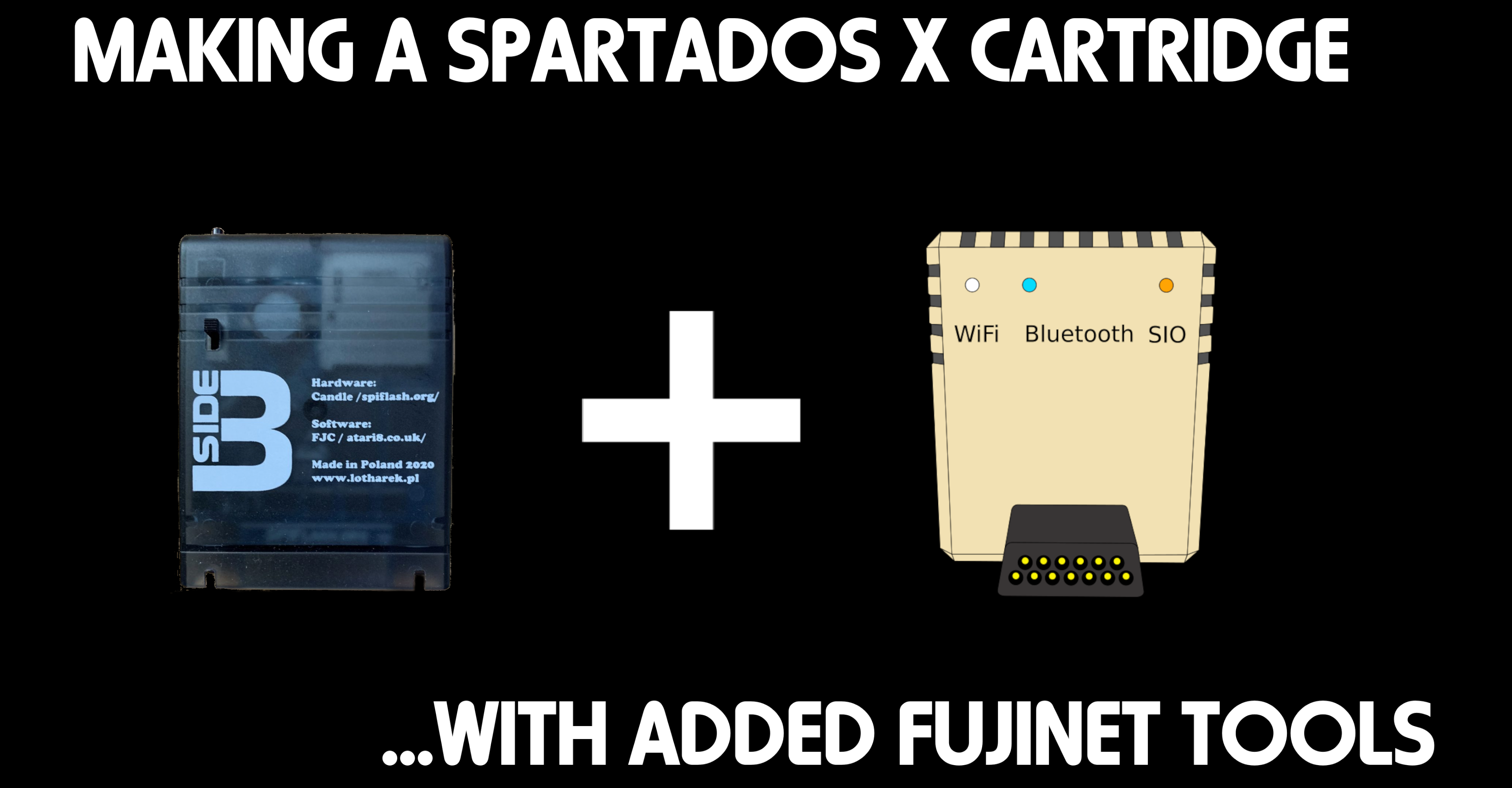
For ATARI users: How to create your own SpartaDOS X Cartridge + FujiNet Tools (using SIDE3 as an example.)

The following YouTube video shows how to create your own SpartaDOS X cartridge with the FujiNet tools, from scratch, using the SpartaDOS X Imager (SDXImager) tool.

For this video, I installed a fresh copy of Ubuntu Linux Desktop using default options, and added the following packages via a terminal:

sudo apt install build-essential git wine

Once everything is built, you can transfer it to the nearest FujiNet via WebDAV, by selecting Network in Files, and Connecting to the address of your FujiNet:

DAV://192.168.1.21/dav/

Links Used in the video

Ubuntu Linux: https://ubuntu.com/download/desktop

CC65 Compiler: https://github.com/cc65/cc65

MAD Assembler: https://github.com/tebe6502/Mad-Assembler

FujiNet Tools: https://github.com/FujiNetWIFI/fujinet-tools

FujiNet N: Handler: https://github.com/FujiNetWIFI/fujinet-nhandler

Altirra Emulator: https://www.virtualdub.org/altirra.html

ATARI: SpartaDOS X 4.50 ROM for Ultimate 1MB with FujiNet tools.

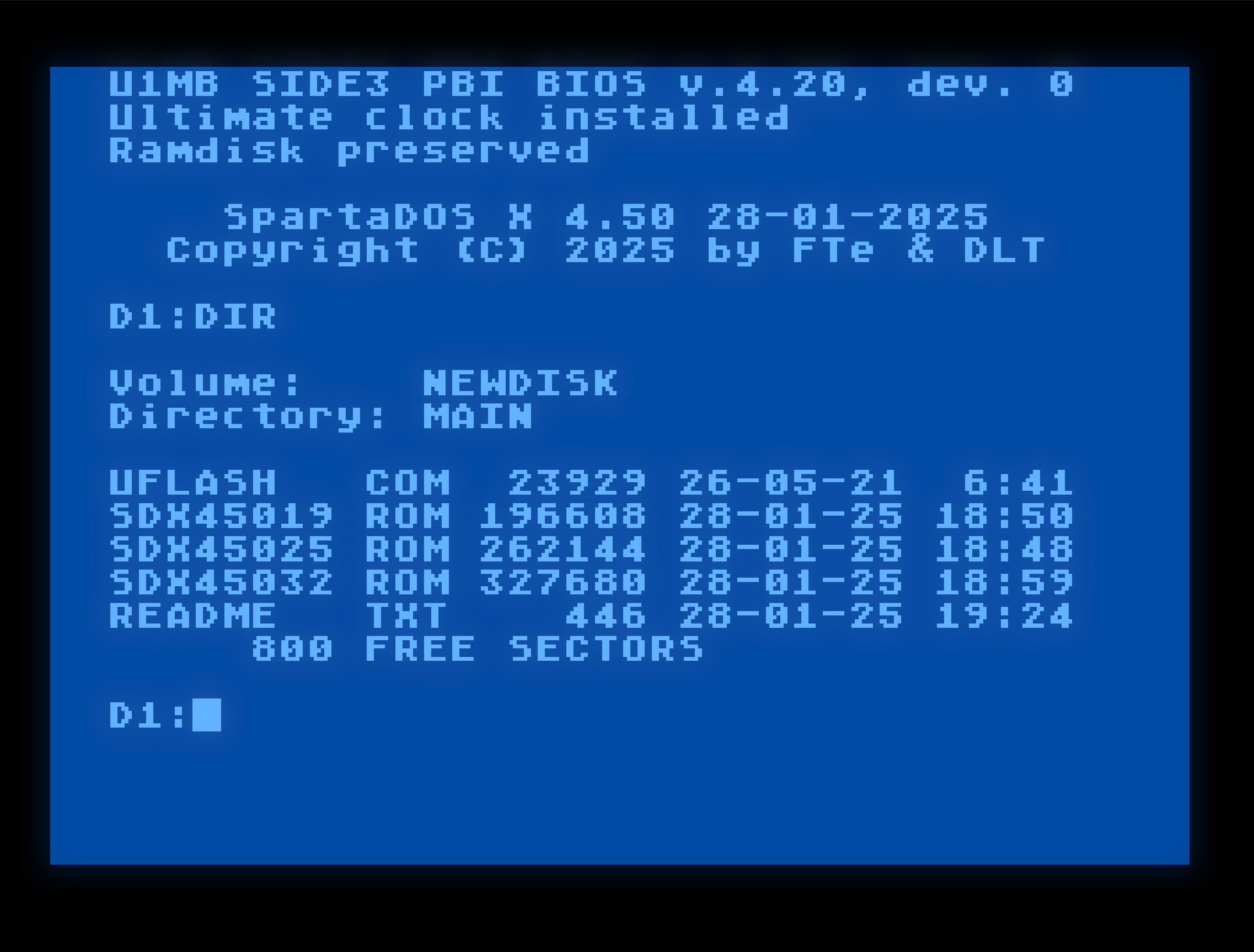
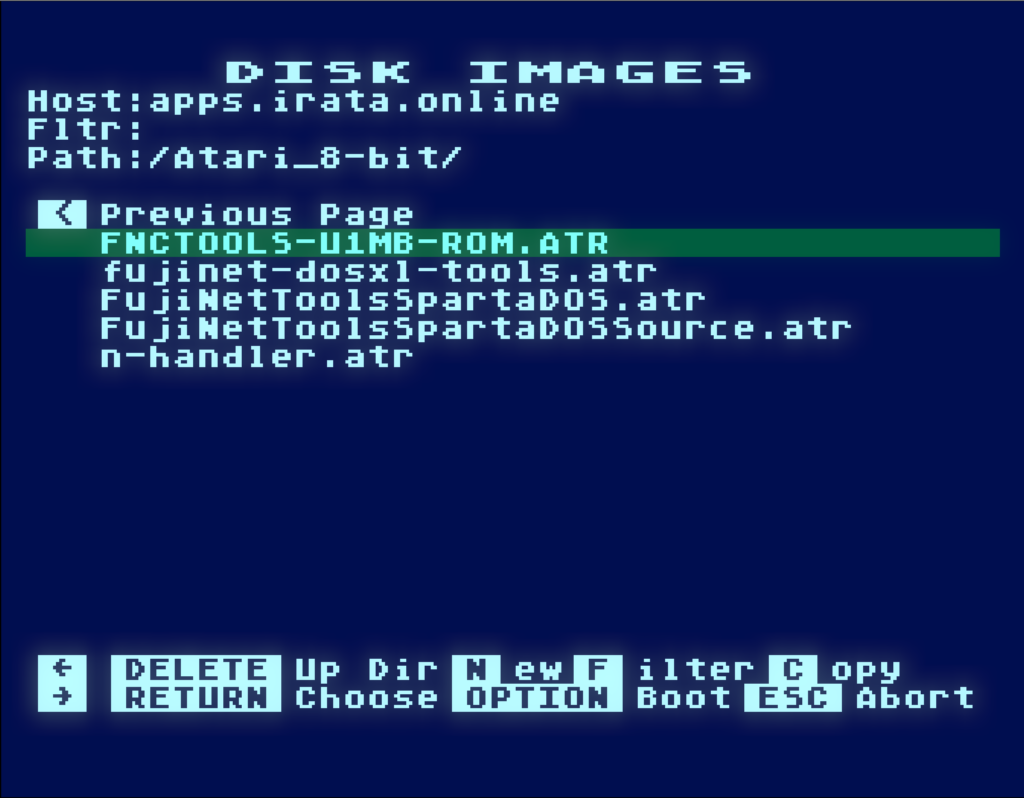
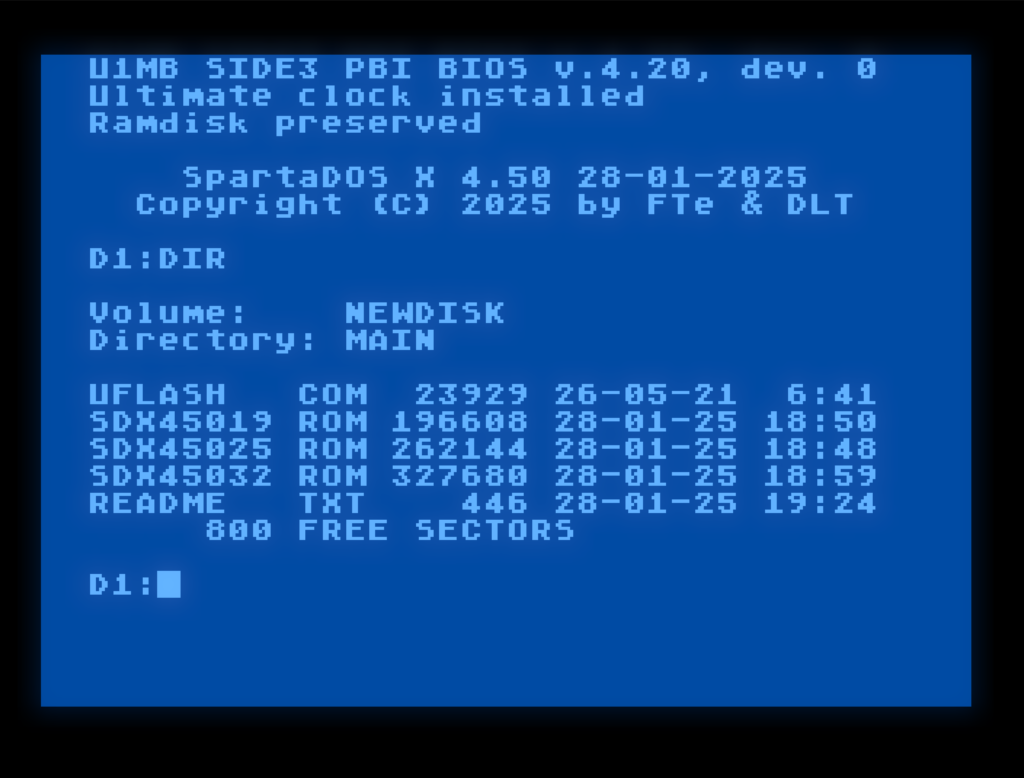
The FNCTOOLS-U1MB-ROM.ATR disk image on apps.irata.online, which provides a ROM of SpartaDOS X for Ultimate 1MB users, that includes the FujiNet tools, has been updated to SpartaDOS 4.50, and is available on the apps.irata.online server. The UFLASH tool is also provided on the disk.

Three versions of the ROM are provided:

  • 192K, which contains most of the tools.
  • 256K, which contains all of the tools.
  • 320K, which contains all of the tools, as well as their corresponding MAN pages.