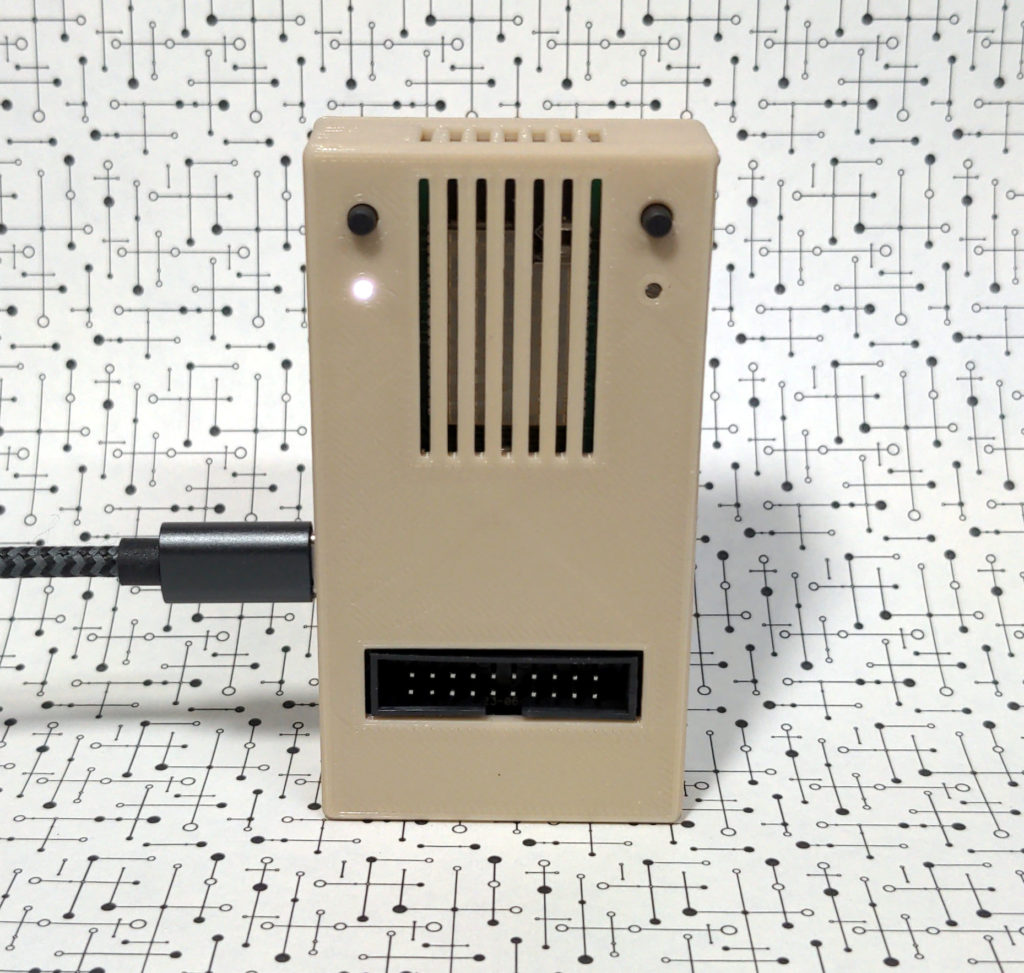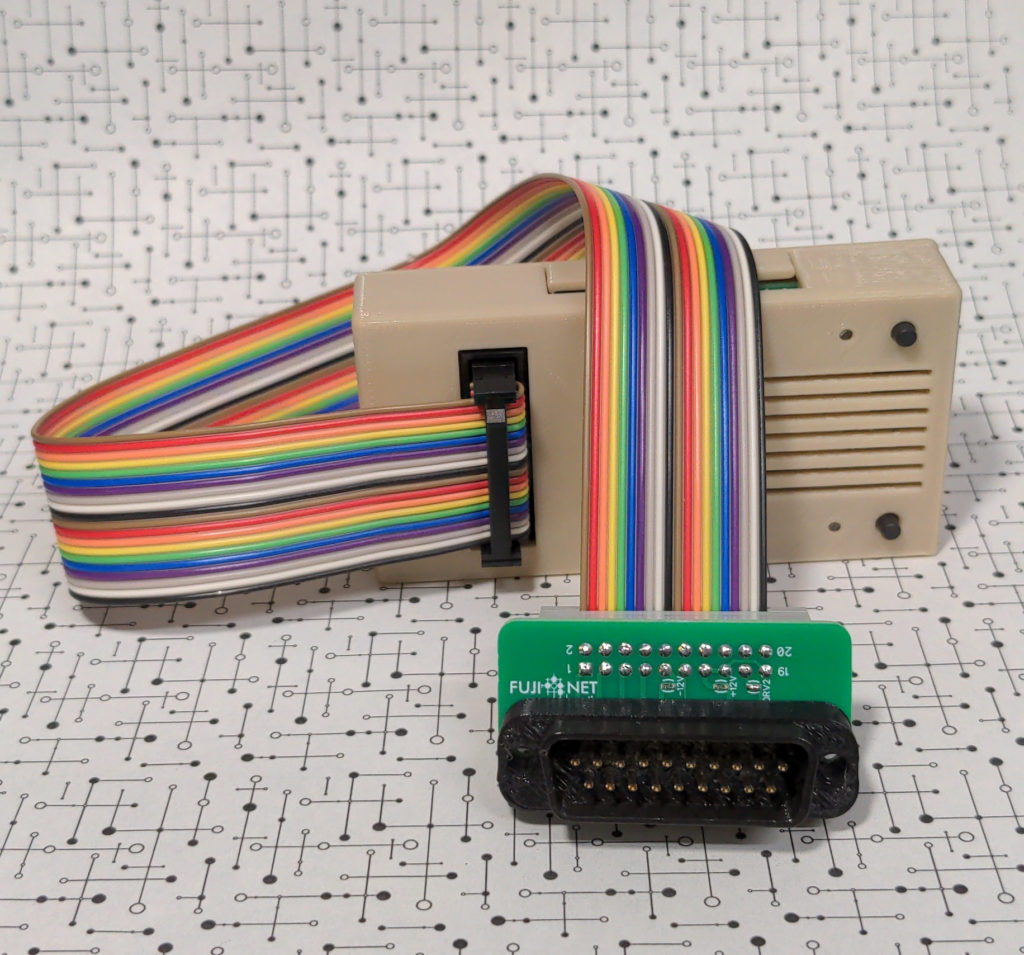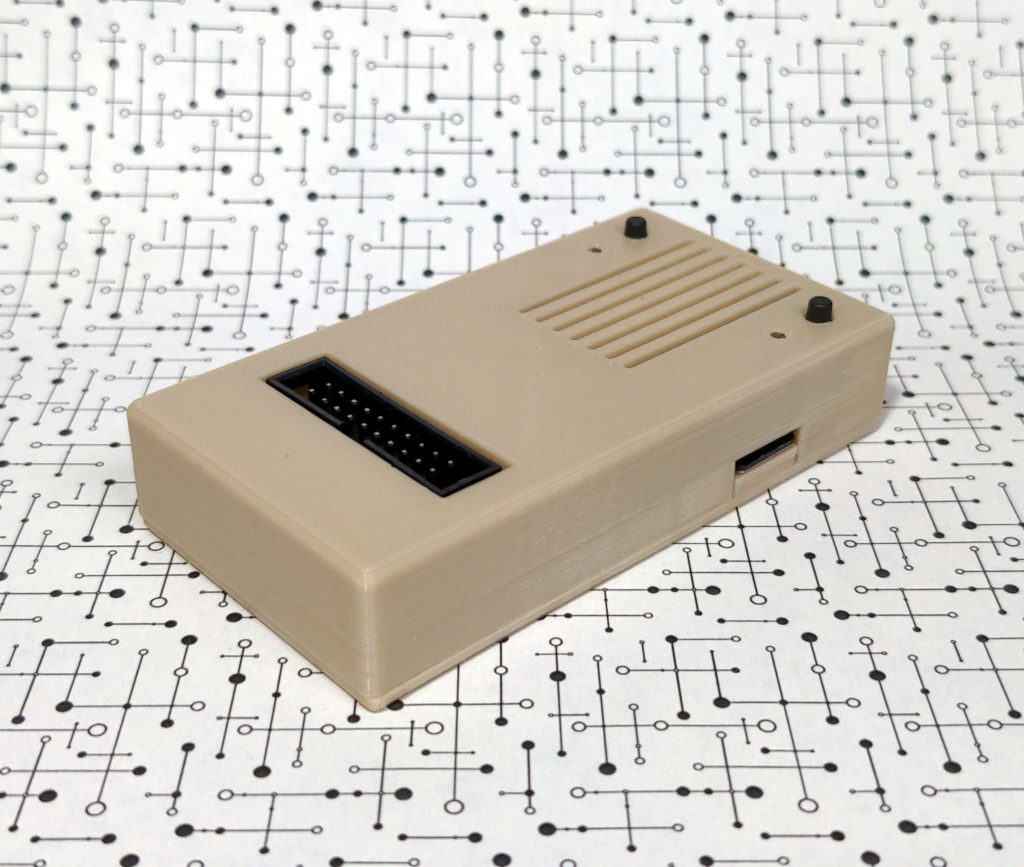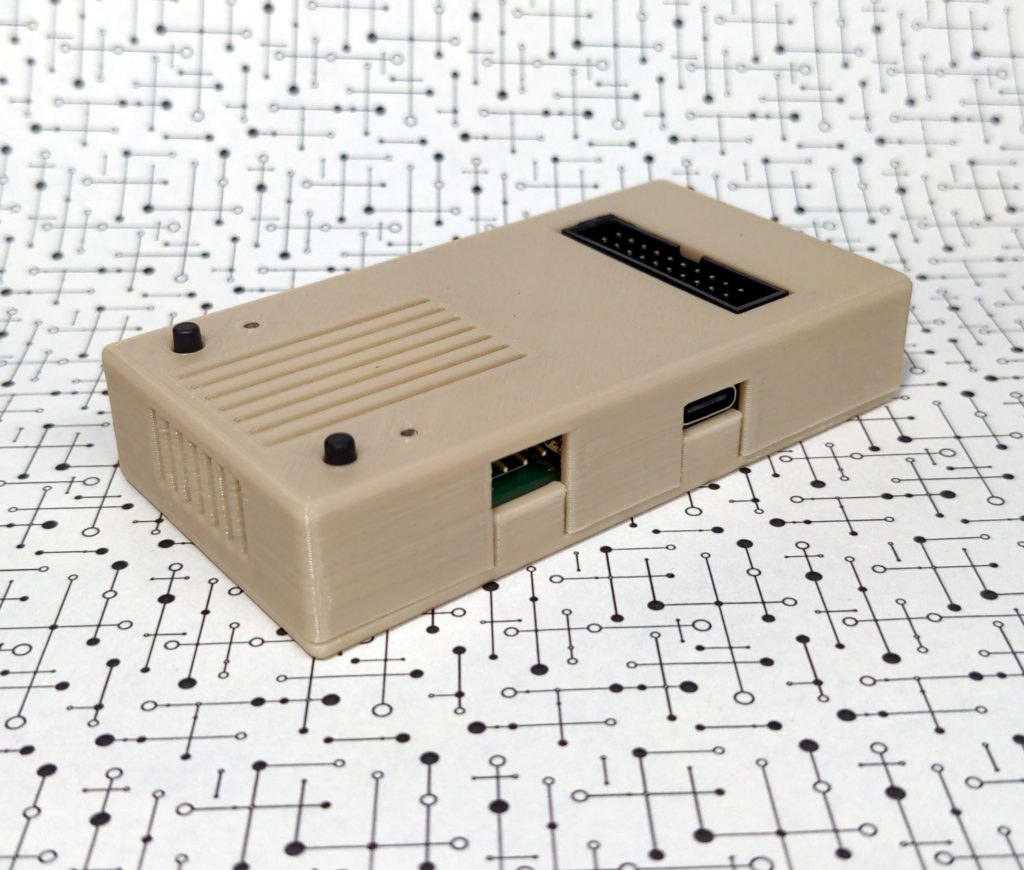
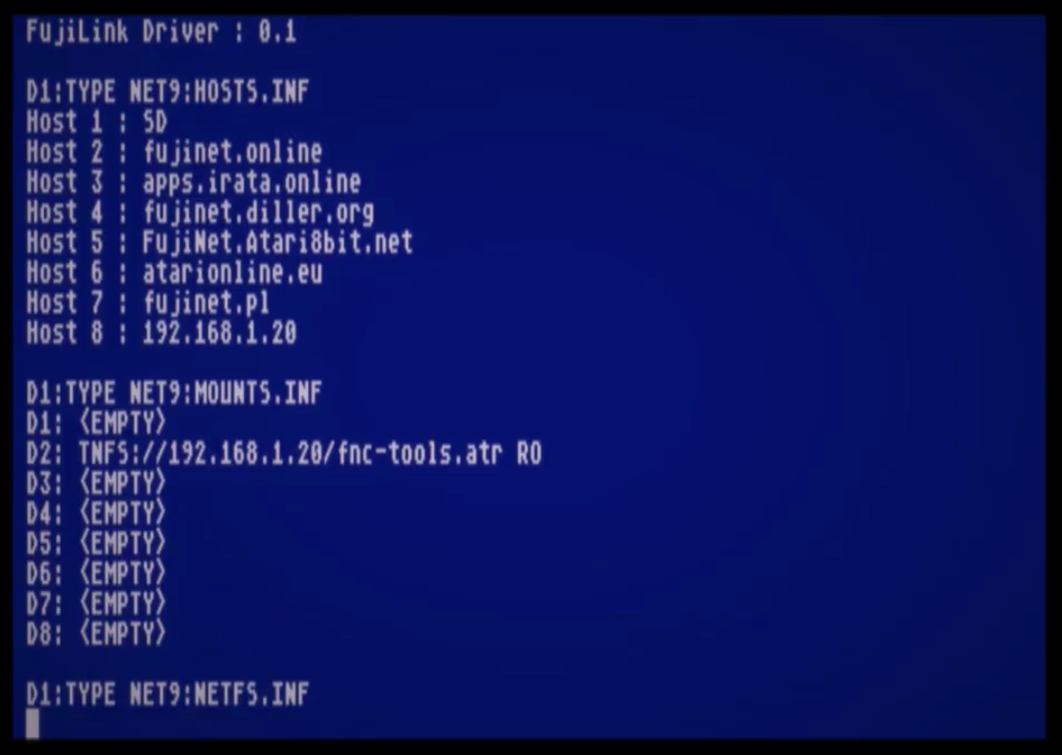
FujiNet Firmware 1.6.0 Released!

New firmware is available in the flasher! It’s a lot of changes and bug fixes!

All Platforms

  • Added NFS server support.
  • Improved FTP browsing and file handling, including better directory listings, file sizes, and caching.
  • SMB shares can now include a username and password directly in the share URL.
  • Device slots can now be enabled and disabled from fnConfig, and ejected slots are saved correctly.
  • Fixed disk selection and mounting from the web interface.
  • Fixed several mount and unmount reliability issues.
  • Added GUID generation support for programs that need unique IDs.
  • Added support for unsorted directory listings.
  • Improved JSON handling for network apps and web APIs.
  • Improved QR code generation.
  • Added printer status reporting for HTTP printers.
  • Fixed intermittent WiFi scan failures.
  • Fixed NTP time updates over UDP.
  • Fixed streamed HTTP GET and HEAD requests.
  • Improved network reliability during heavy or interrupt-driven activity.
  • Improved consistency across platforms for disk, network, and device behavior.
  • Improved FujiNet-PC, LWM, RS232, nightly, and release builds.
  • Updated security library compatibility for newer toolchains.

Atari 8-Bit

  • Added nightly builds for 8MB Atari setups.
  • Added Turbo 2000 cassette playback for Atari XL/XE.
  • Added QROS/EMO turbo cassette support and PicoBoot XEX disk loading.
  • Added an updated alternate config-ng disk.
  • Restored RunCPM support for SIO builds.
  • Fixed config-ng on 8MB Atari systems.
  • Convert UDPStream to NetStream and improved it with more options.
  • Fixed file copy when using FujiNet-PC over serial.
  • Improved app key compatibility with older software.
  • Improved R: handler reliability.
  • Fixed startup behavior when HSIO is disabled.
  • Fixed Atari web configuration options.
  • Improved file system and web mount behavior.

Apple II

  • Added support for 8 SmartPort devices.
  • Updated the config, autorun, mount-and-boot, and CP/M disk images.
  • Improved the default autorun/config disk.
  • Web configuration options are now connected for Apple II.
  • Fixed Apple IIc configuration issues.
  • Fixed Apple IIc ROM0 compatibility issues.
  • Fixed changing WiFi networks from config.
  • Fixed device filename writes from CONFIG.
  • Improved RunCPM reliability.
  • Fixed AppleSqueezer config behavior.
  • Improved disk and file handle capacity.
  • Improved Apple II device handling consistency with other platforms.

Coleco ADAM

  • Improved ADAM serial communication reliability.
  • Fixed ADAM receive buffering.
  • Improved ADAM response timing.
  • Cleaned up ADAM status handling.

Commodore IEC

  • Added GUID generation support.
  • Added firmware update support.
  • Added file copy support.
  • Improved command response reliability.

CoCo

  • Updated loading screen in config.
  • Automatic scrolling display of long file/directory names in config.
  • File copy now works in config.
  • Lobby command now works in config.
  • Implemented lobby mount.
  • Full FujiNet/APETIME clock functions available.
  • Added Dragon support.
  • Updated autorun and config disks.
  • Fixed WiFi connection and saved network settings from config.
  • Fixed app key read/write compatibility.
  • Fixed file handle leaks that could affect long sessions.
  • Improved network device compatibility.
  • Improved adapter configuration reporting.
  • Fixed DriveWire disk count handling.
  • Reduced extra logging and fixed spurious command responses.

MS-DOS / RS232

  • Updated RS232 communication for better compatibility.
  • Fully implemented the config program.
  • Implemented the printer driver.
  • Full FujiNet/APETIME clock functions available.
  • Added RS232 ESP32-S3 release builds.
  • Added RS232 LWM builds.
  • Baud rate can now be configured from the web UI.
  • Fixed baud rate handling in fnConfig, the web page, and FNC.
  • Added lobby launch on MS-DOS.
  • Fixed config reload after exiting from lobby after a game.
  • Updated config and autorun disks.
  • Fixed file size reporting.
  • Fixed changing WiFi networks.
  • Fixed RS232 status handling.
  • Fixed zero-length app key writes.
  • Fixed an intermittent RS232-LWM crash.
  • Improved modem and packet sharing on the serial port.
  • Improved network status signaling.
  • Fixed PC SIO command handling.
  • Fixed FujiNet-PC crash when the SD card path is too long.
  • Fixed MS-DOS printer setting in the web interface.
  • Added MSX support via RS232.
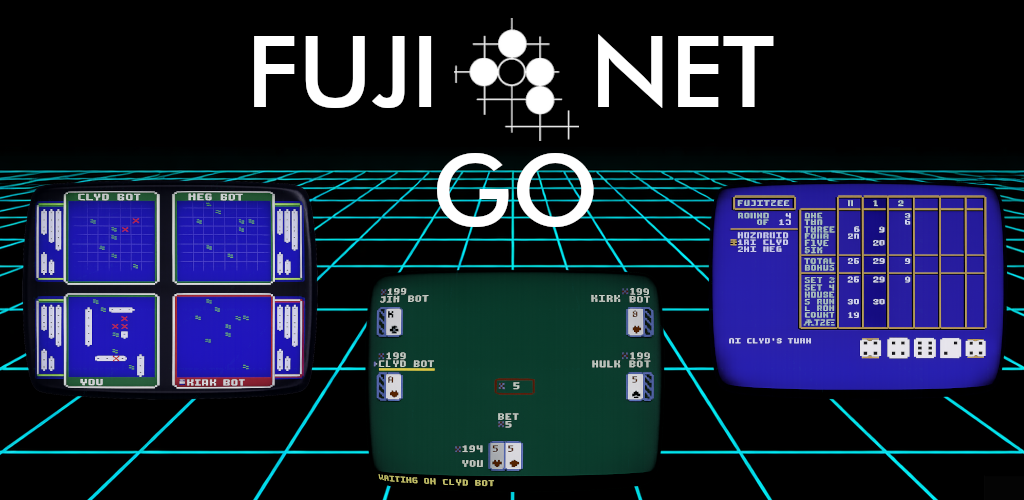
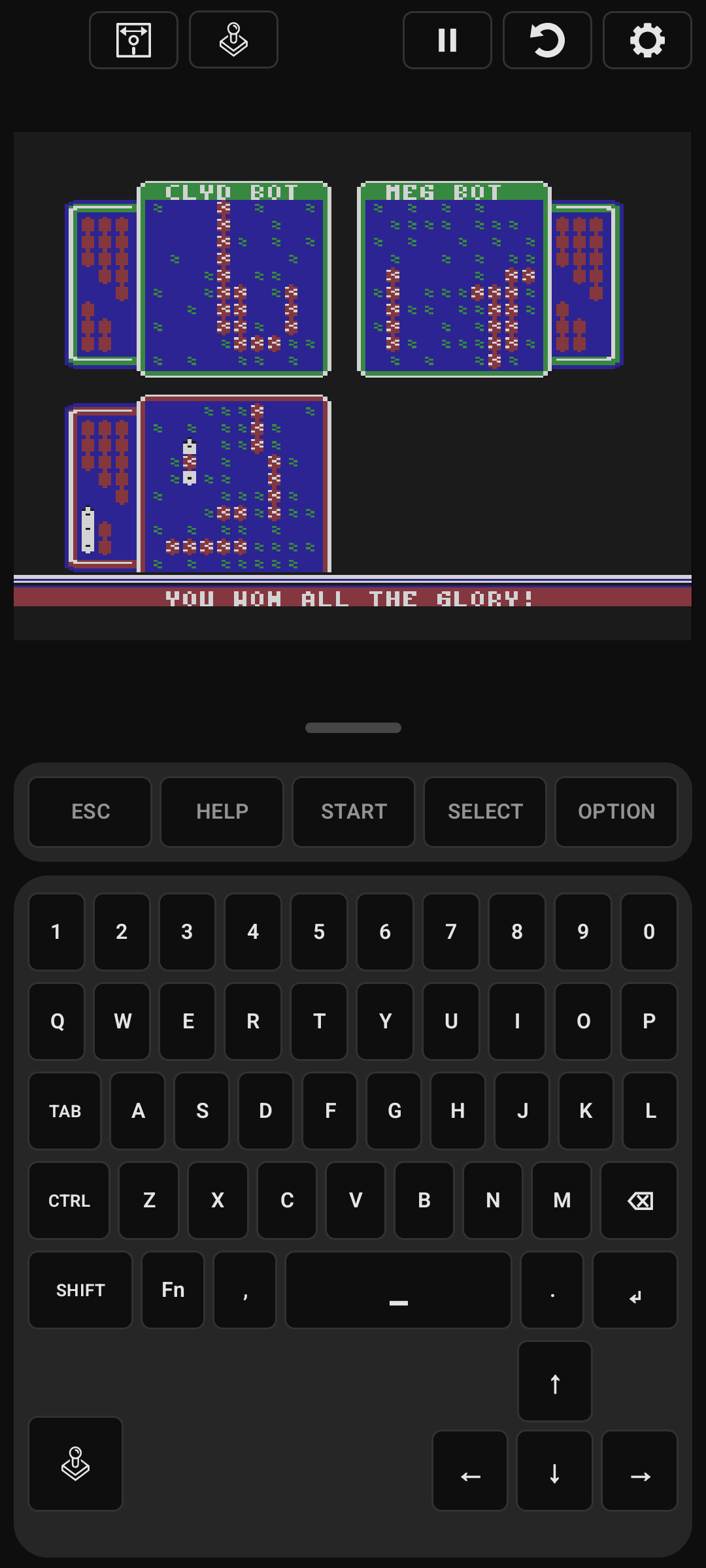
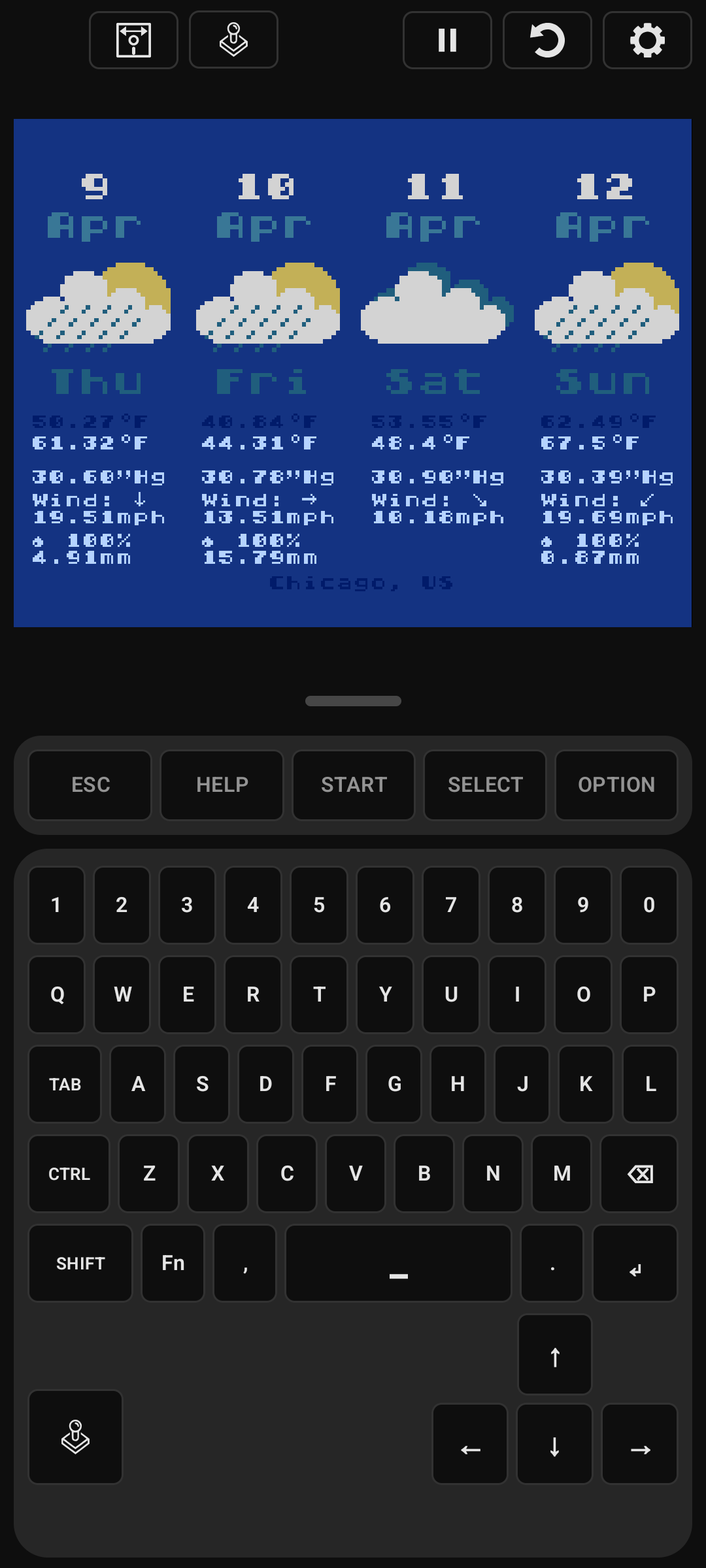
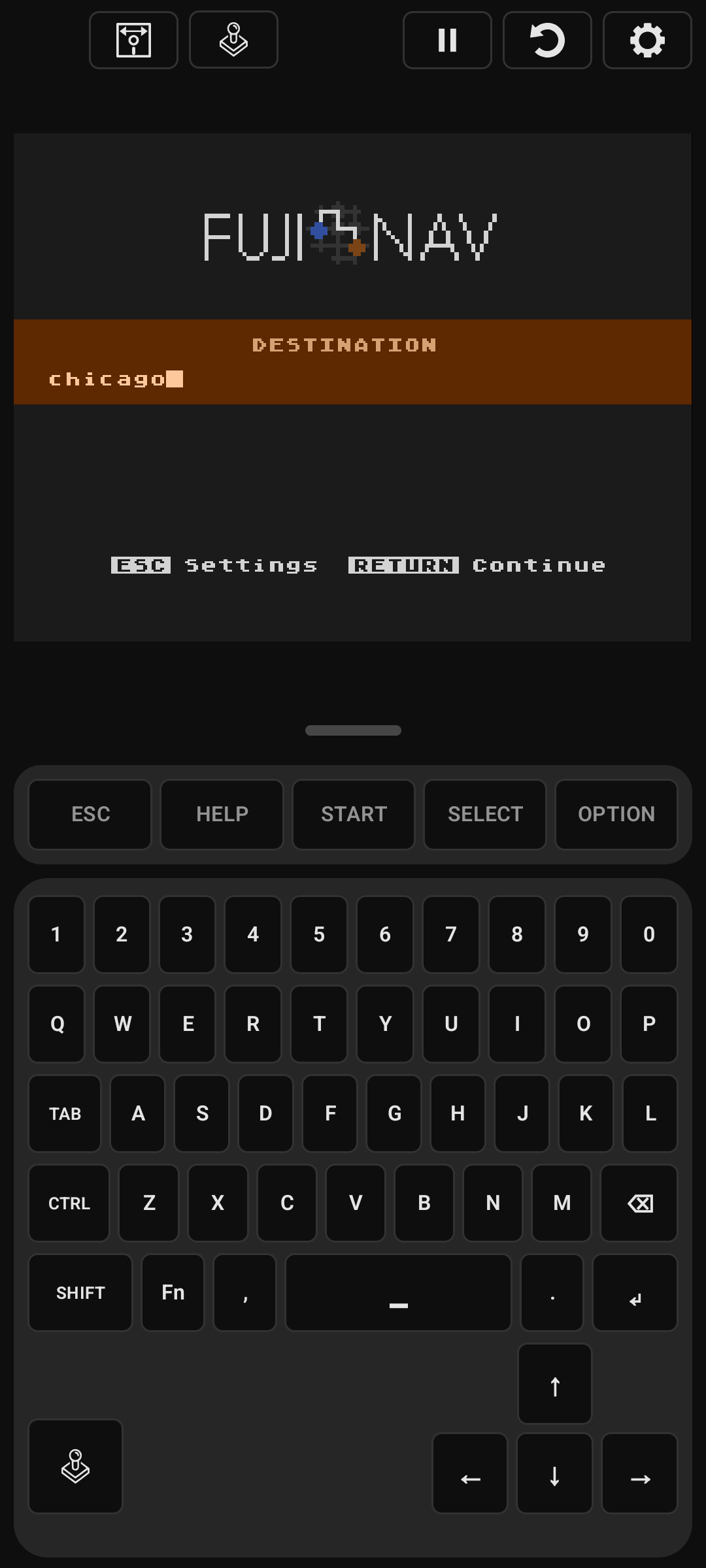
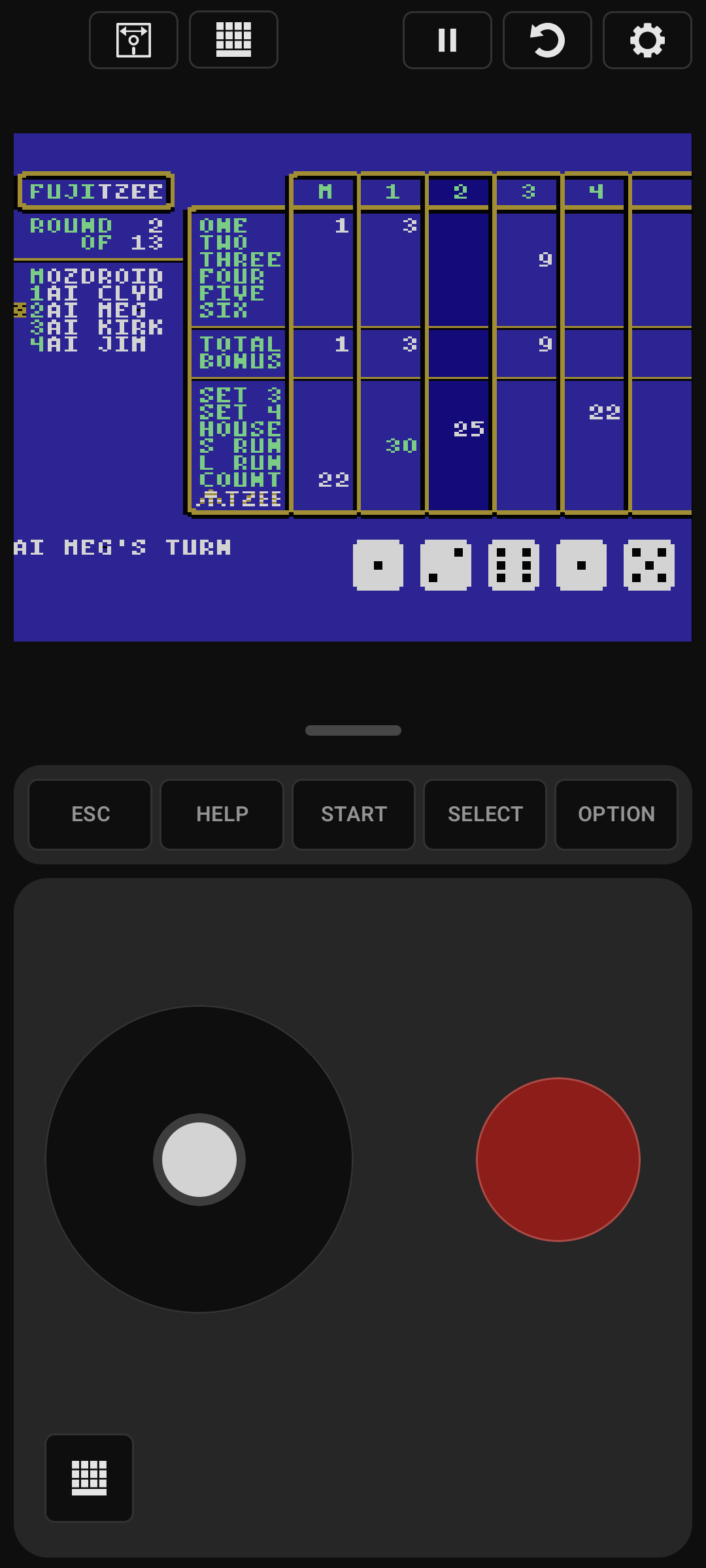
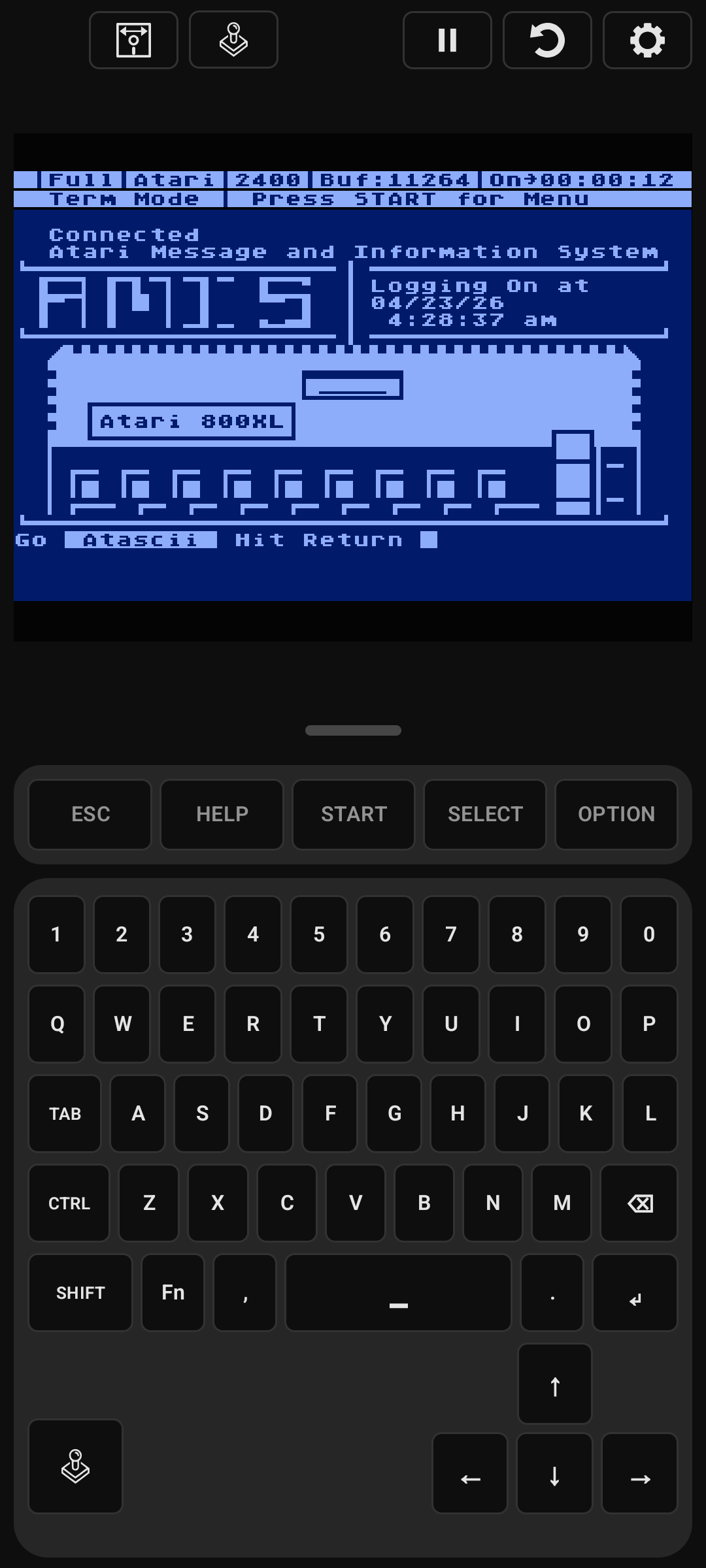
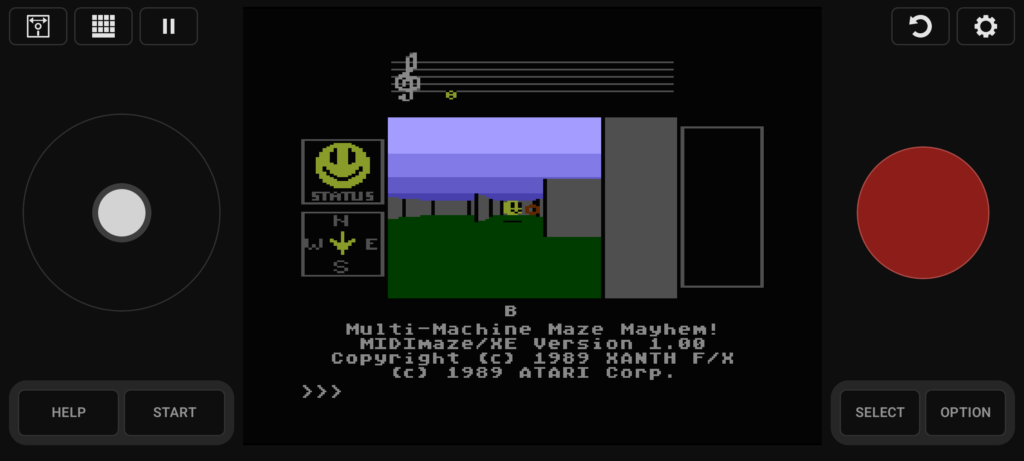
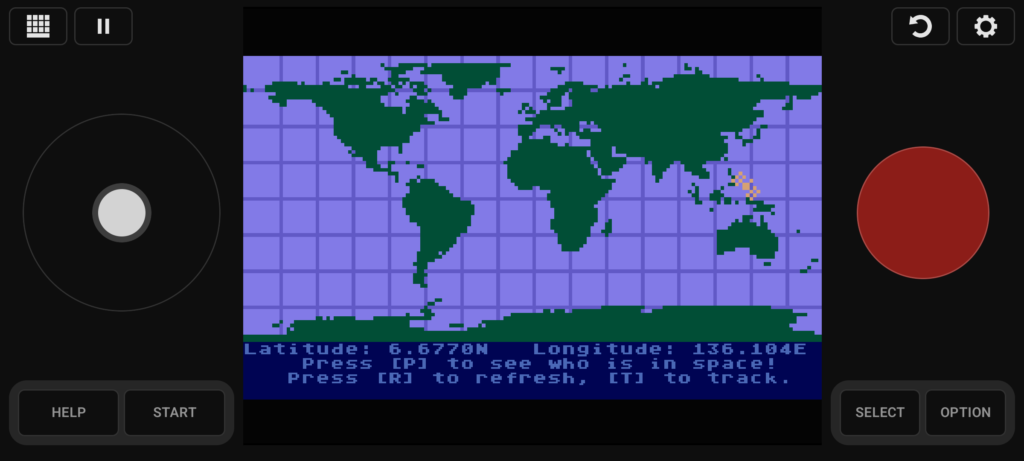
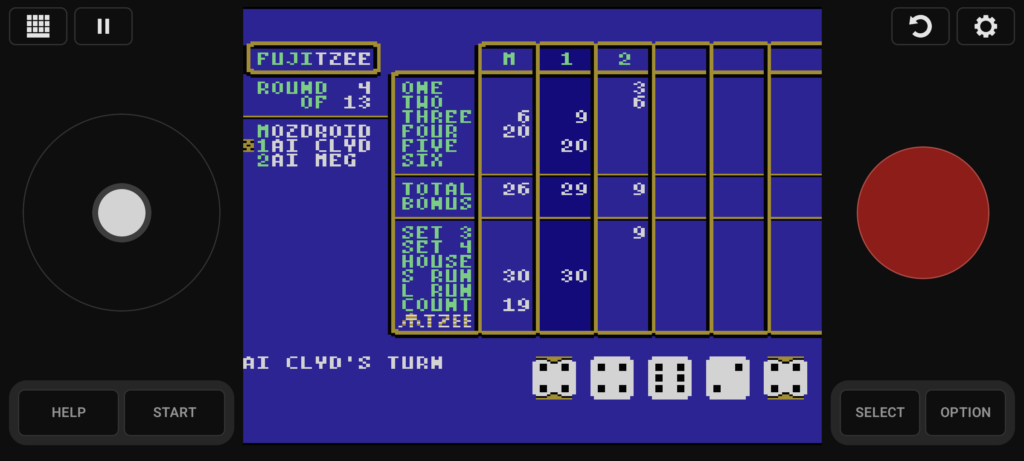
FujiNet Go 800 Feature Image Screenshots

FujiNet Go 800 – Atari800 Emulator for Android

Weโ€™re excited to announce that FujiNet Go 800 is now available on the Google Play Store and Zapstore for Android devices.

FujiNet Go 800 brings the Atari 8-bit experience together with built-in FujiNet support, all in one portable package. Enjoy classic Atari computing and gaming with network disk access, online services, modem support, and more. No extra hardware required.

Whether you’re revisiting old favorites or exploring FujiNet for the first time, FujiNet Go 800 makes it easy to take the Atari world anywhere you go.

Features include support for multiple Atari 8-bit models, touch controls, external keyboards and controllers, portrait and landscape play, and integrated FujiNet networking.

Install it today and carry FujiNet in your pocket!

FujiNet-PC for Atari800 Emulator

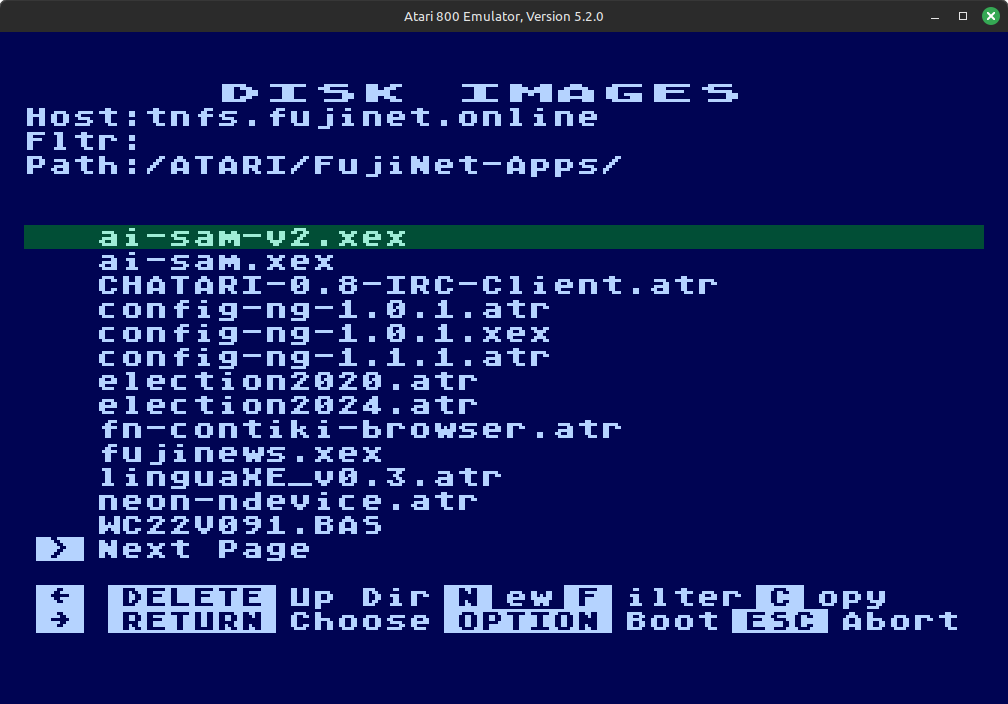
We are happy to announce that support for FujiNet-PC Atari is available in the atari800 emulator source code. FujiNet-PC for the Altirra Atari 8-Bit emulator has been available for quite some time but it is natively a Windows only program. While Altirra can run on Linux and Mac under Wine, atari800 can be built to run natively on these platforms.

Until a new version of atari800 is released, you can build their latest source code to get NetSIO support which interfaces with FujiNet-PC. FujiNet-PC builds for Linux and Mac are available on the releases page or you can build it from source also.

NetSIO is a protocol created by FujiNet developer apc that acts as a middle-man or bridge between the emulator and FujiNet-PC. Since FujiNet began as a real hardware device for Atari, it conforms to the SIO specifications and makes use of all the hardware pins on the SIO port and these pins must also be emulated for FujiNet to work correctly. NetSIO forms data packets that are passed to FujiNet-PC via UDP.

NetSIO should be enabled at build time automatically for Linux and Mac builds of atari800 or you can optionally specify –enable-netsio when running the configure script before building it. Note, atari800 NetSIO will only work with Linux or MacOS and not for Windows. Once you have atari800 built, run FujiNet-PC first then just add -netsio to your atari800 command line options to enable it. It will automatically connect to FujiNet-PC and boot the usual CONFIG program.

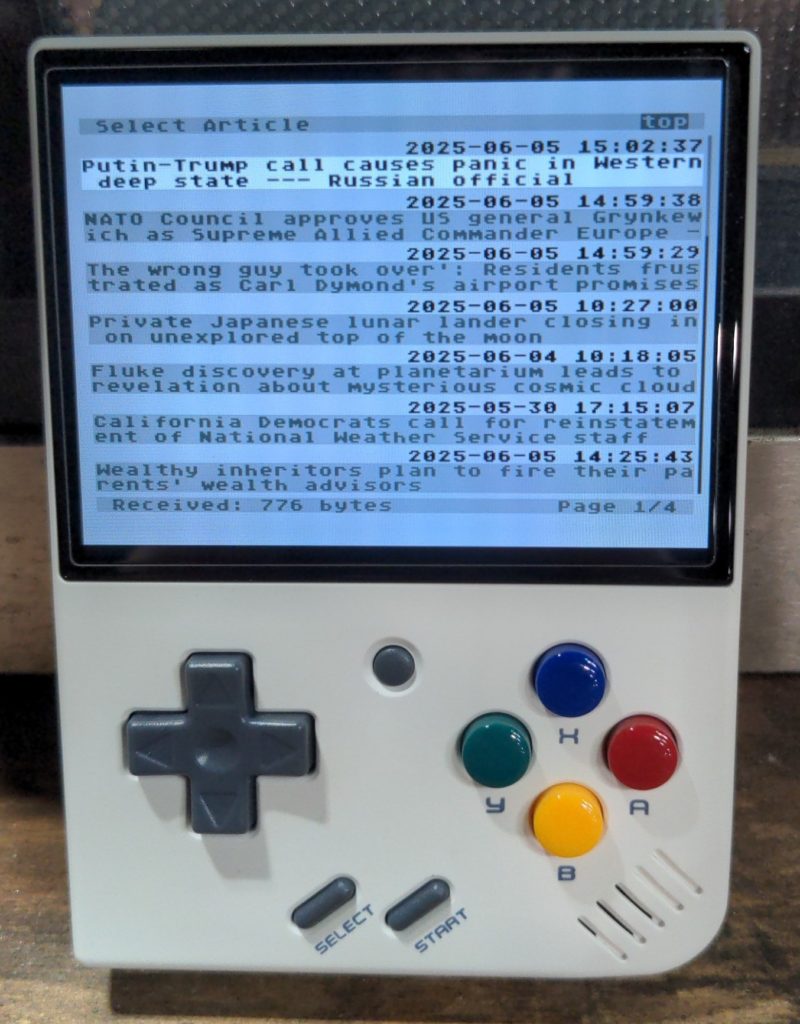
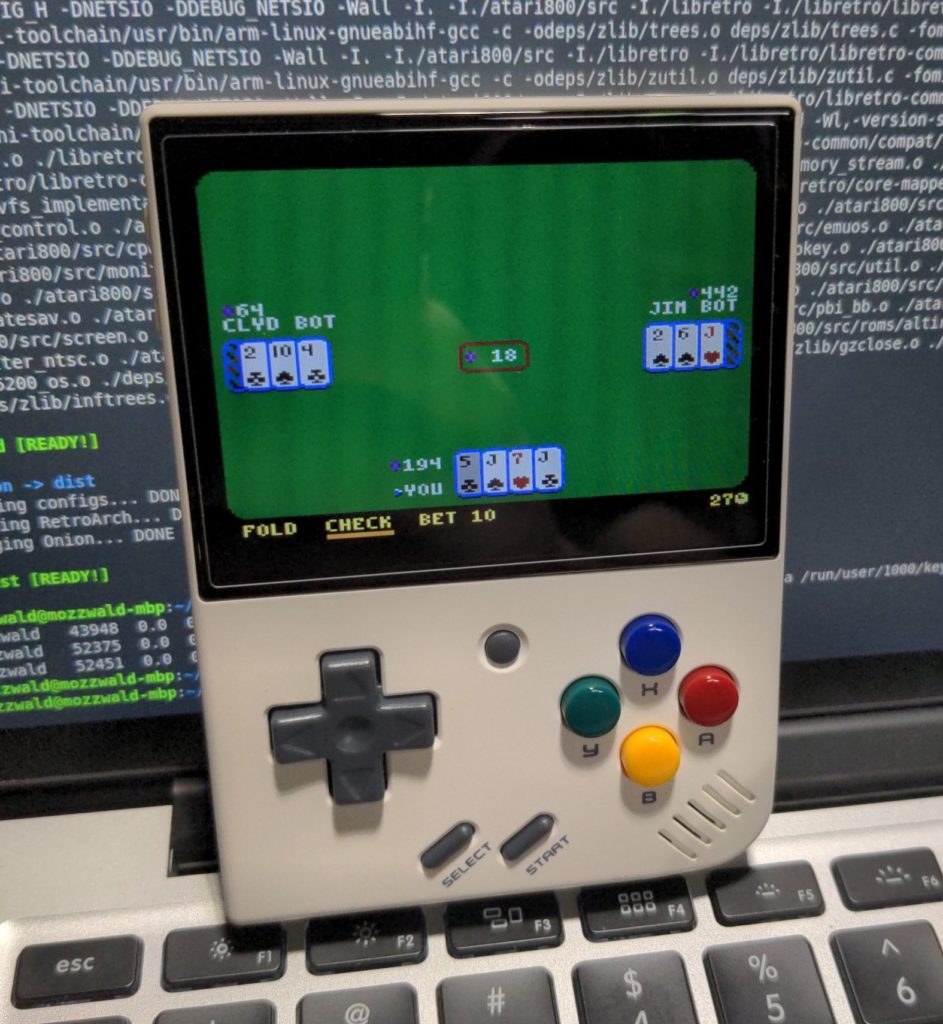
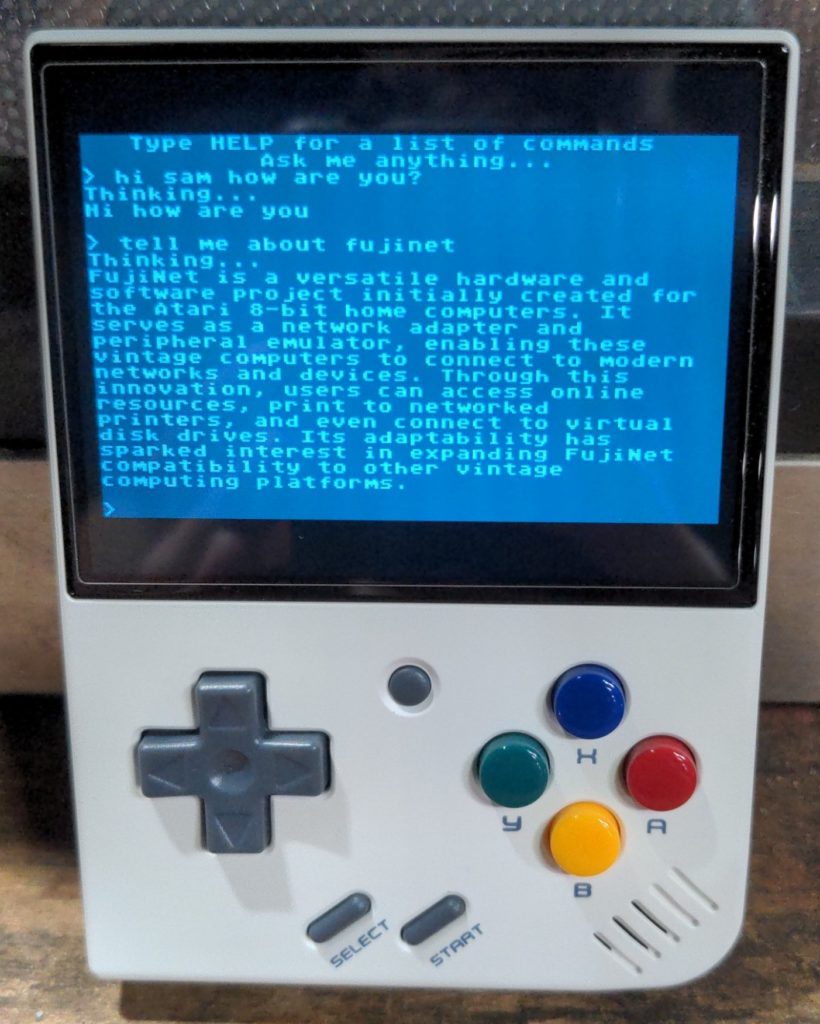
This opens the door for FujiNet-PC to run on any device running Linux including low power ARM devices. Some of us on the dev team have been working to get it running on the Miyoo Mini Plus handheld emulator which has wifi built-in. This means it is possible to have a FujiNet on the go!

FujiNet YAIL with VBXE Support

YAIL Image Streamer for Atari 8 with VBXE Support

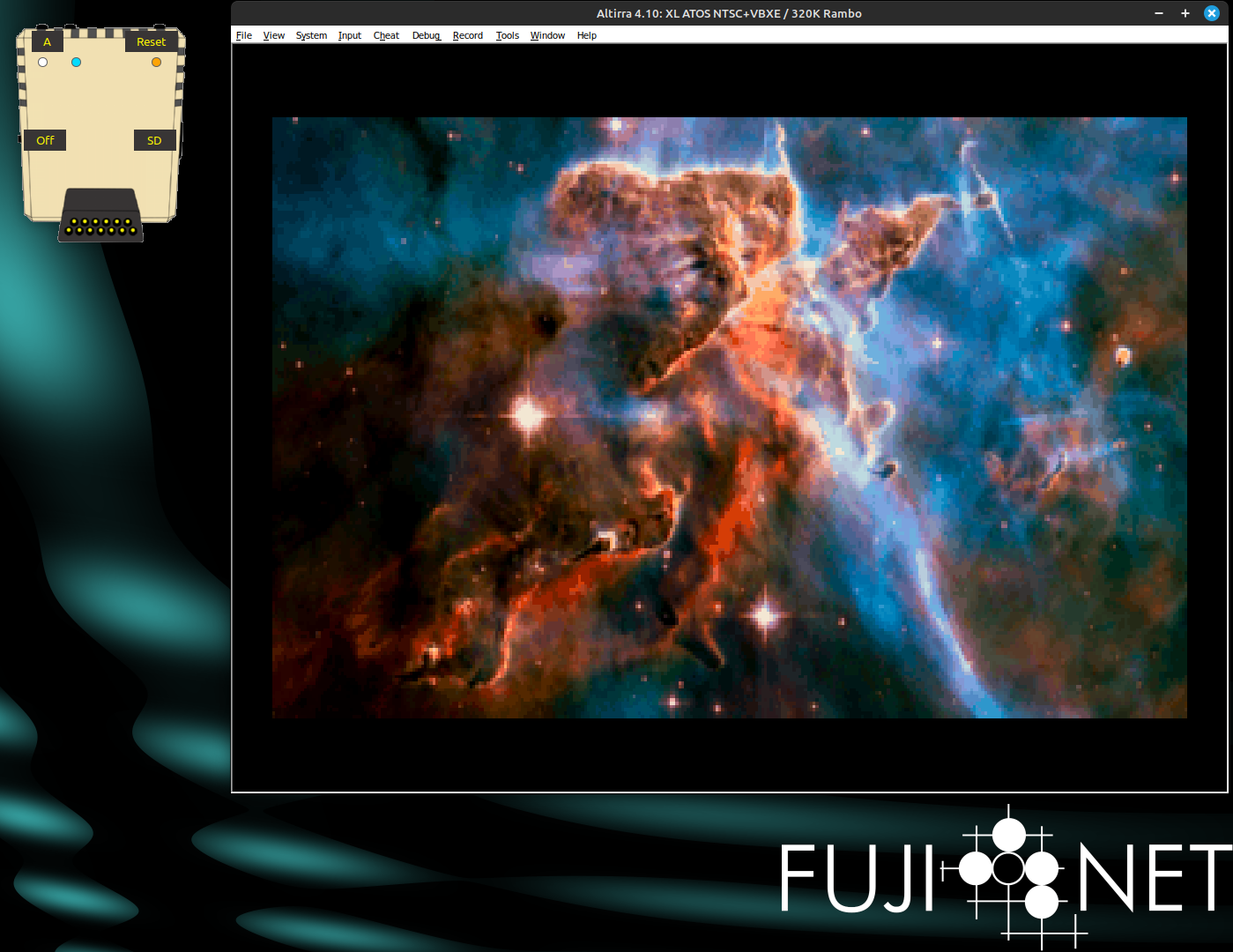
If you are not already familiar, YAIL is Yet Another Image Loader for Atari 8 Bit computers that works with FujiNet. Server software running on this website automatically converts and feeds images to the YAIL app on the Atari. All you need to do is set your graphics mode and enter a search term for the server to stream images from the internet to your Atari.

The YAIL app and YEET server were written by Brad Colbert and the source code is available on Github. YAIL can be mounted from the fujinet.online TNFS server located at ATARI/FujiNet-Apps/YAIL.XEX. For users with a VBXE upgraded Atari, you can set the graphics mode to 20 in YAIL (command: gfx 20) which enables the high resolution image streaming. Below is a demo video of the app in action.

VCFMW 19

FujiNet at VCFMW 19 in 2024

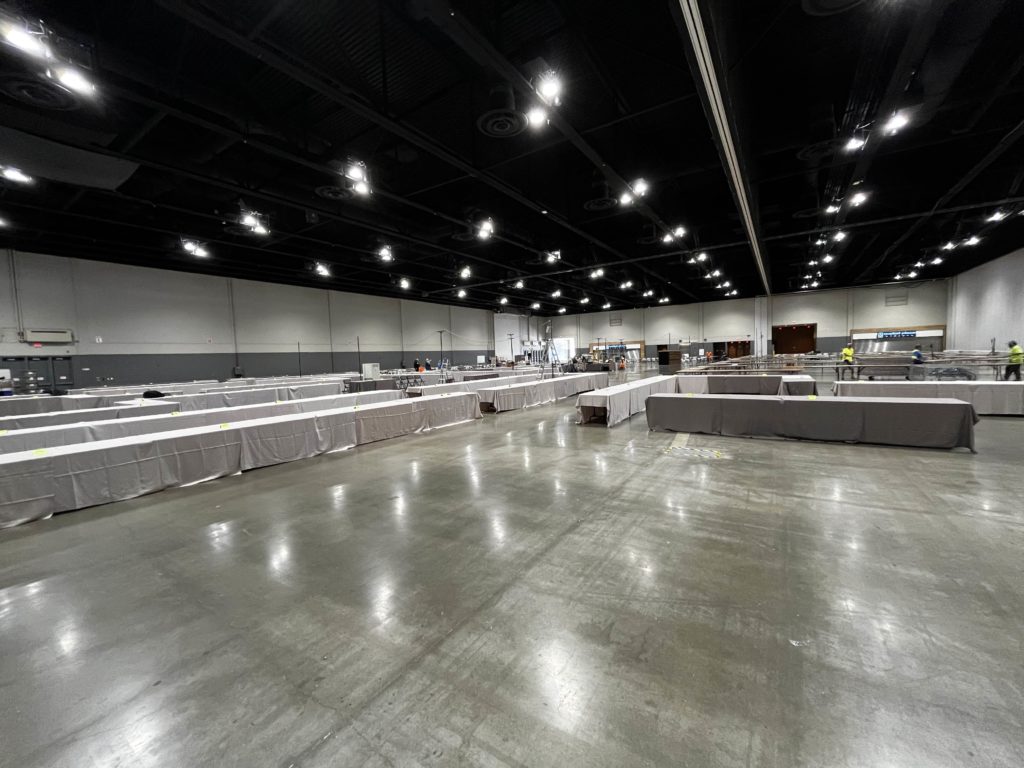
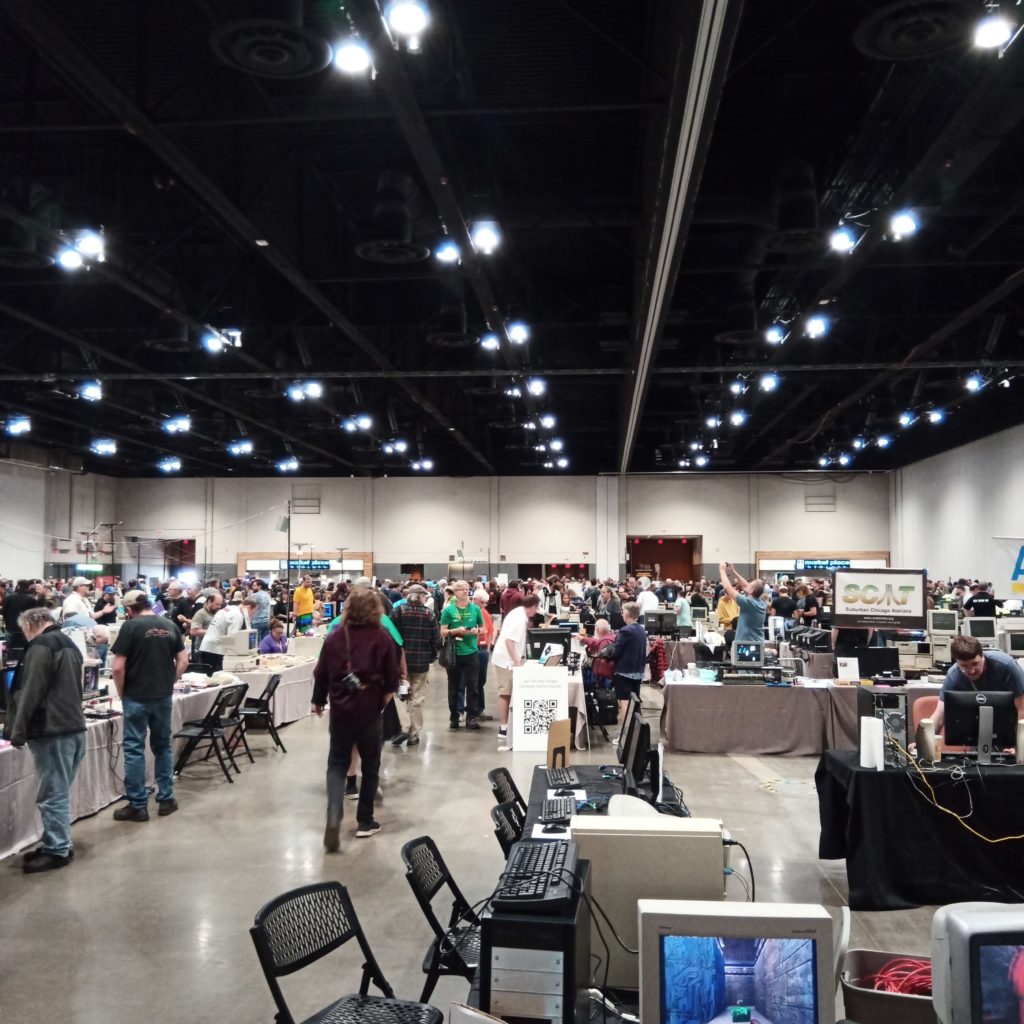
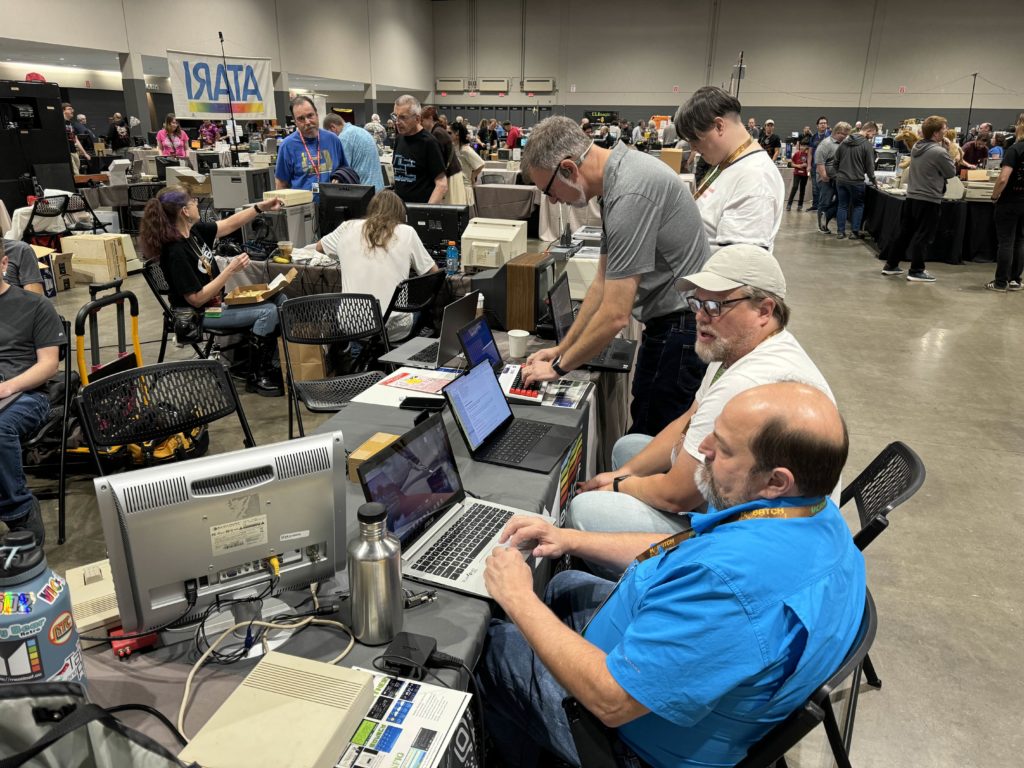
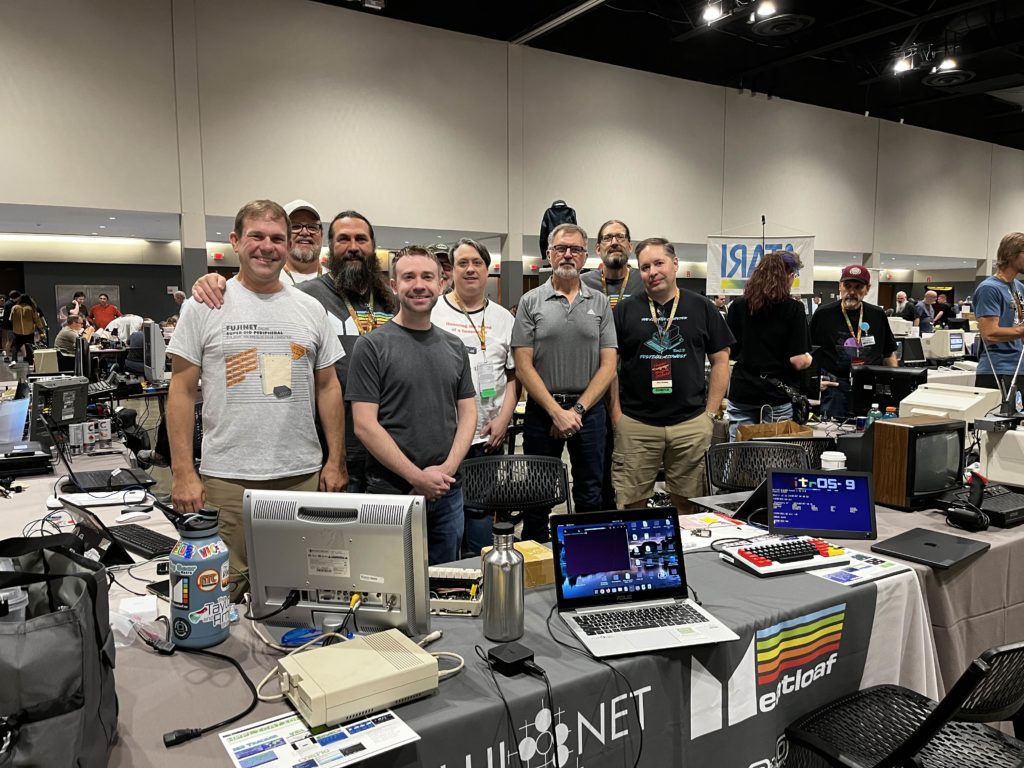
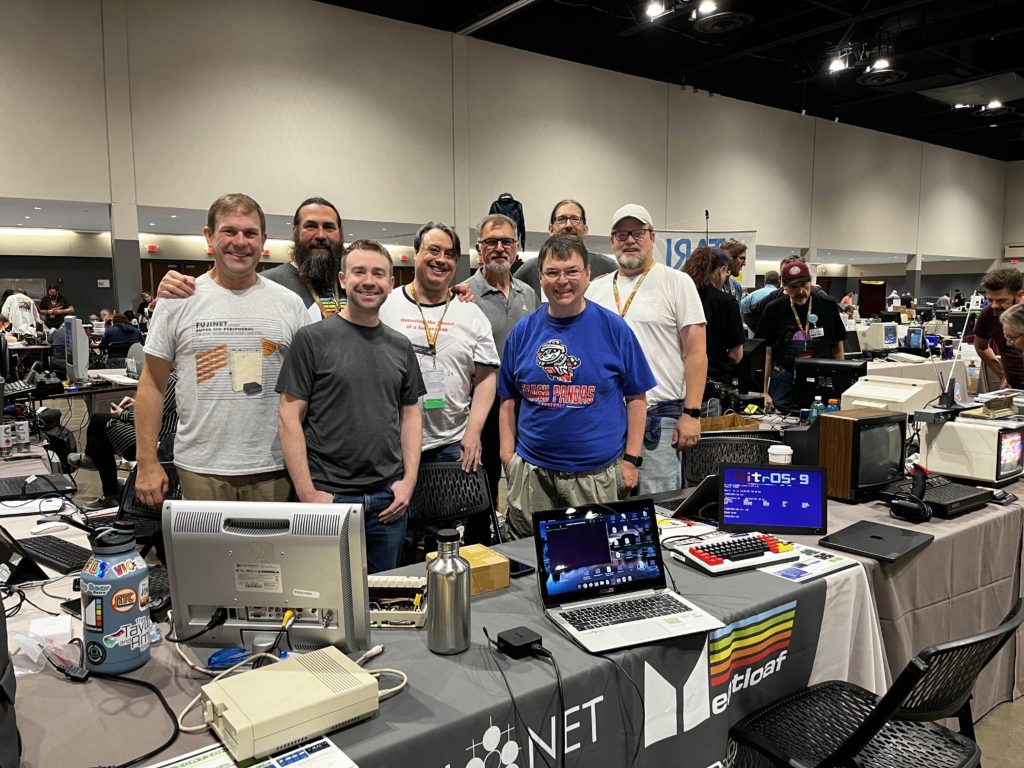
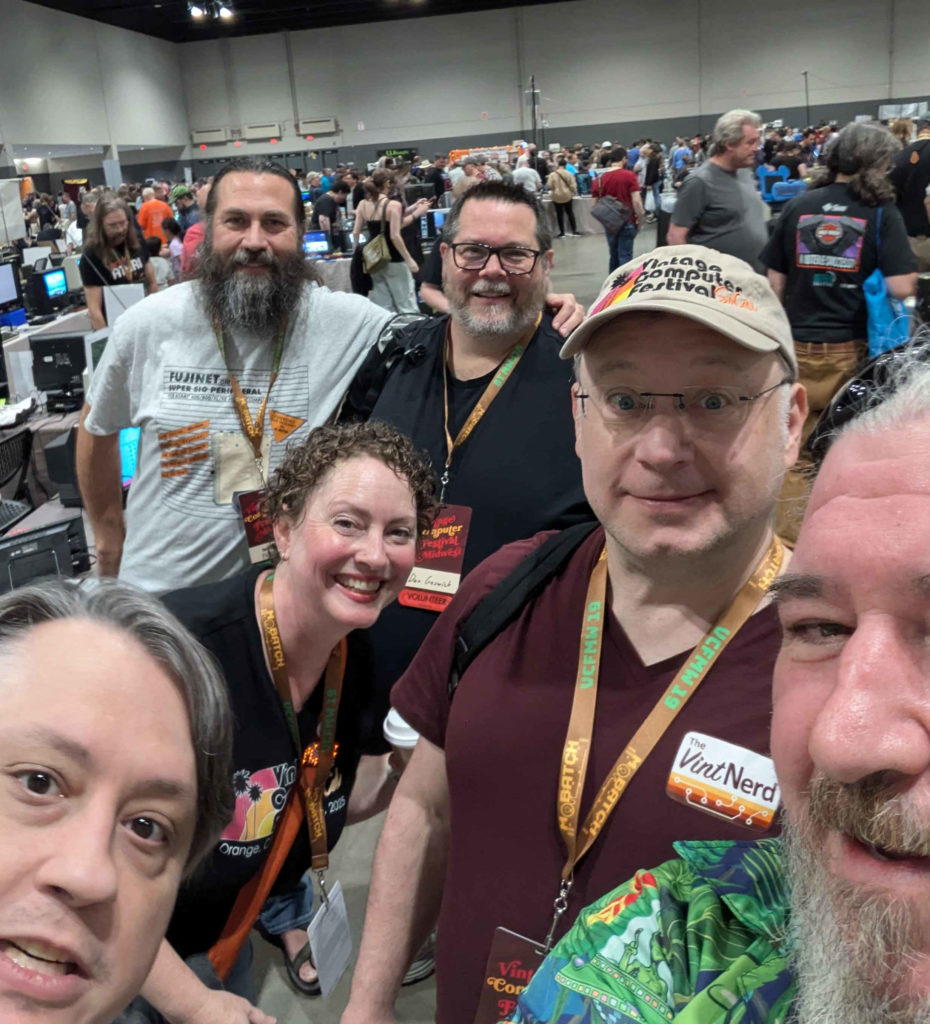
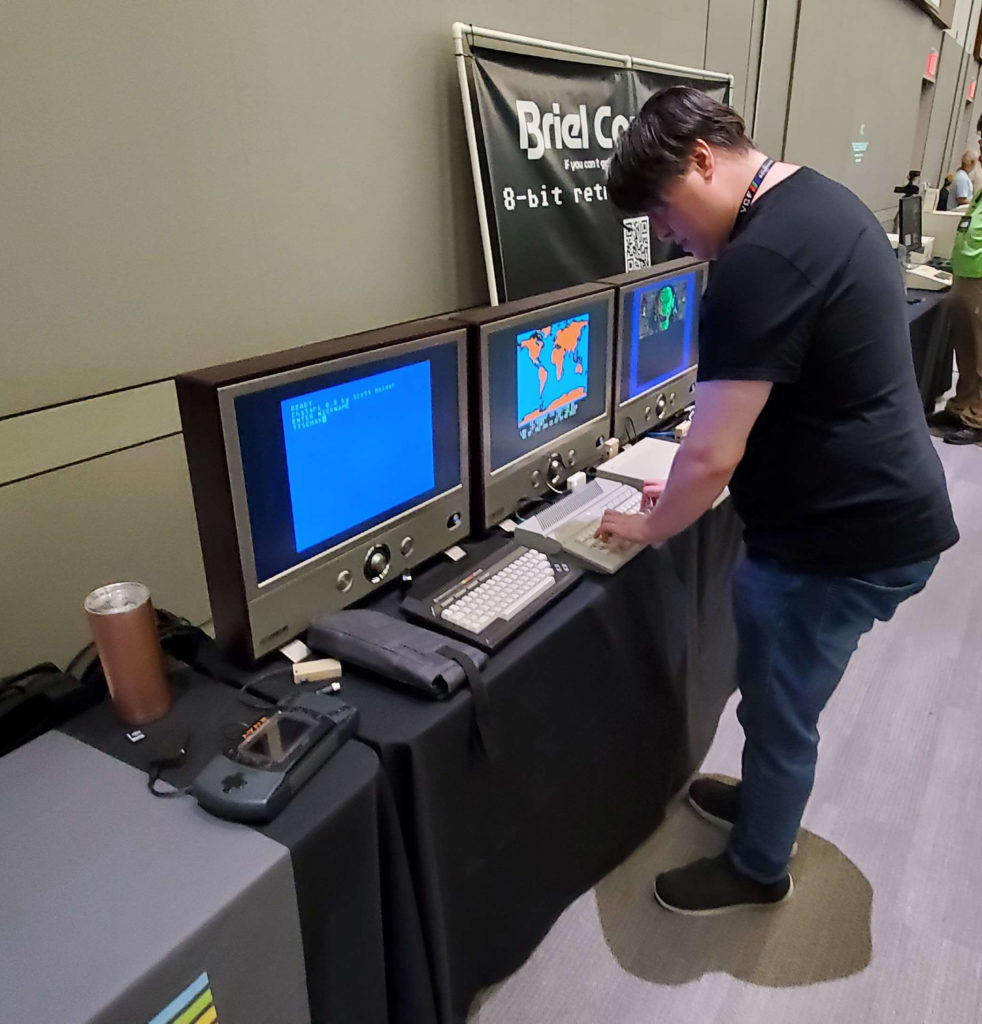
The FujiNet team gathered together in Schaumburg Illinois September 6-8, 2024 for the Vintage Computer Festival 19. It was the first time some of us met in person even though we’ve know each other for years working together online and at the same time old friends getting to see each other again. VCFMW 19 outgrew itself from last year and moved to a massively larger venue which was amazing.

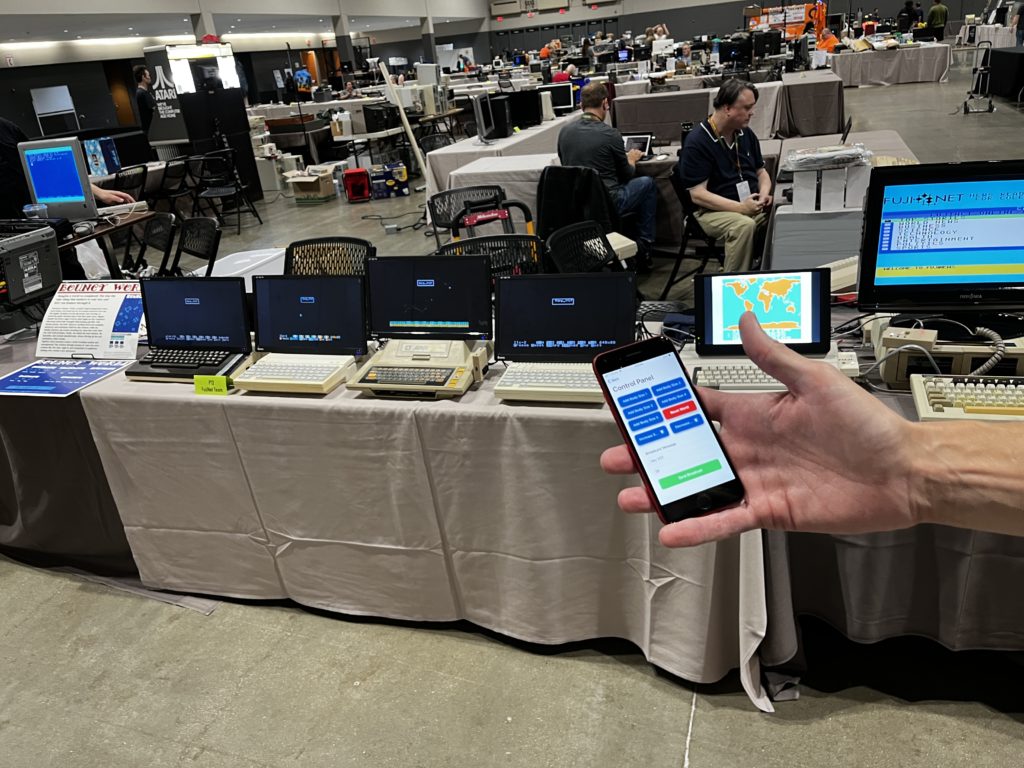
The FujiNet table showed a new cross platform demo called Bounce World by FujiNet Lib creator Mark Fisher. The virtual Bounce World has a server that runs on a modern computer and the retro clients get current world data from it for display. The clients show moving shapes that bounce off each other and move throughout the world which stretches across the displays of each client.

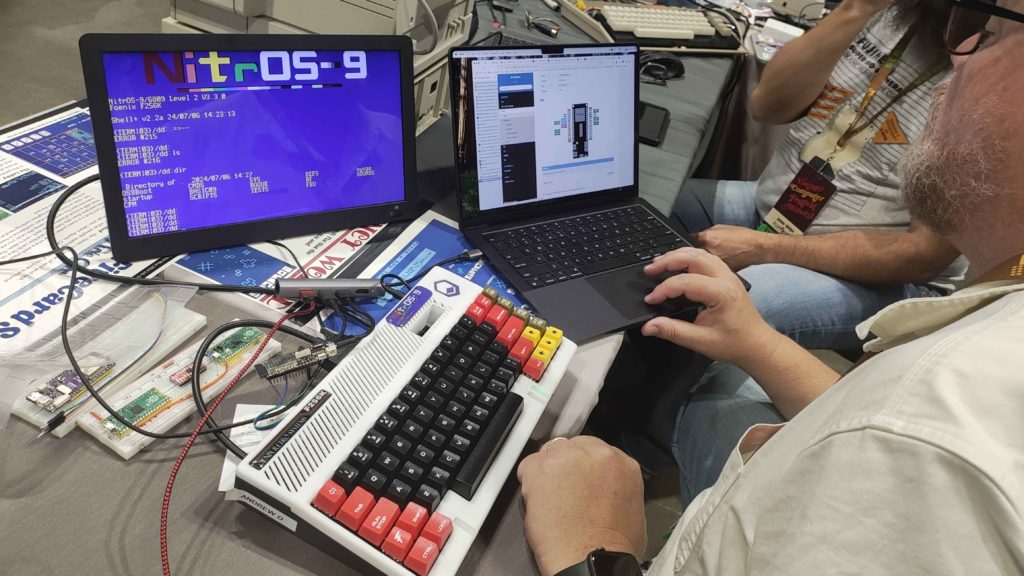
In typical FujiNet fashion, the team got some real work done together over the weekend. Andy Diller had his heart set on getting FujiNet for Foenix Retro Systems working and enlisted the help of Mr Pitre. For the first time FujiNet was able to communicate with NitrOS-9 running on the F256 using the already implemented Drivewire protocol. Drivewire is also used for the Tandy Color Computer FujiNet.


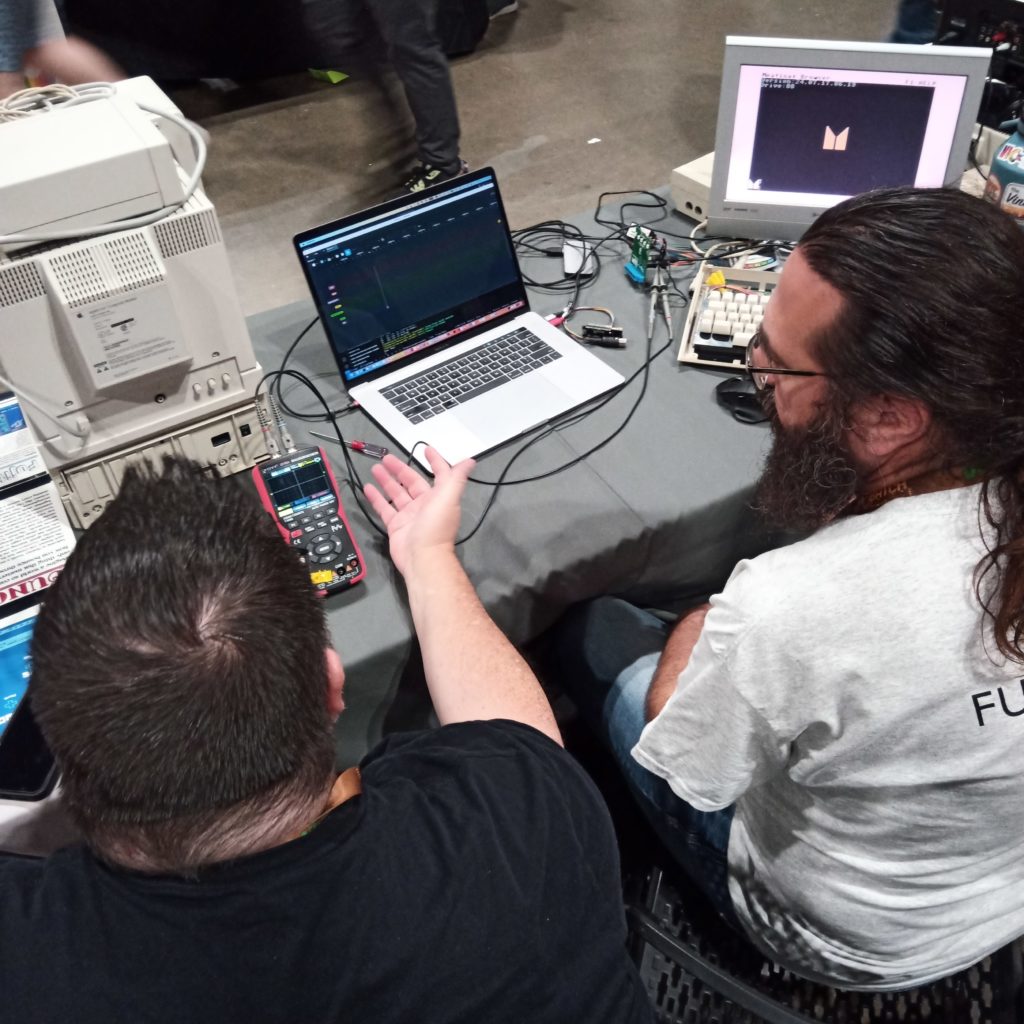
Jaime Idolpx and Retro Tech Dan did some digging into the IEC driver used by both Meatloaf and FujiNet

IEC Debugging

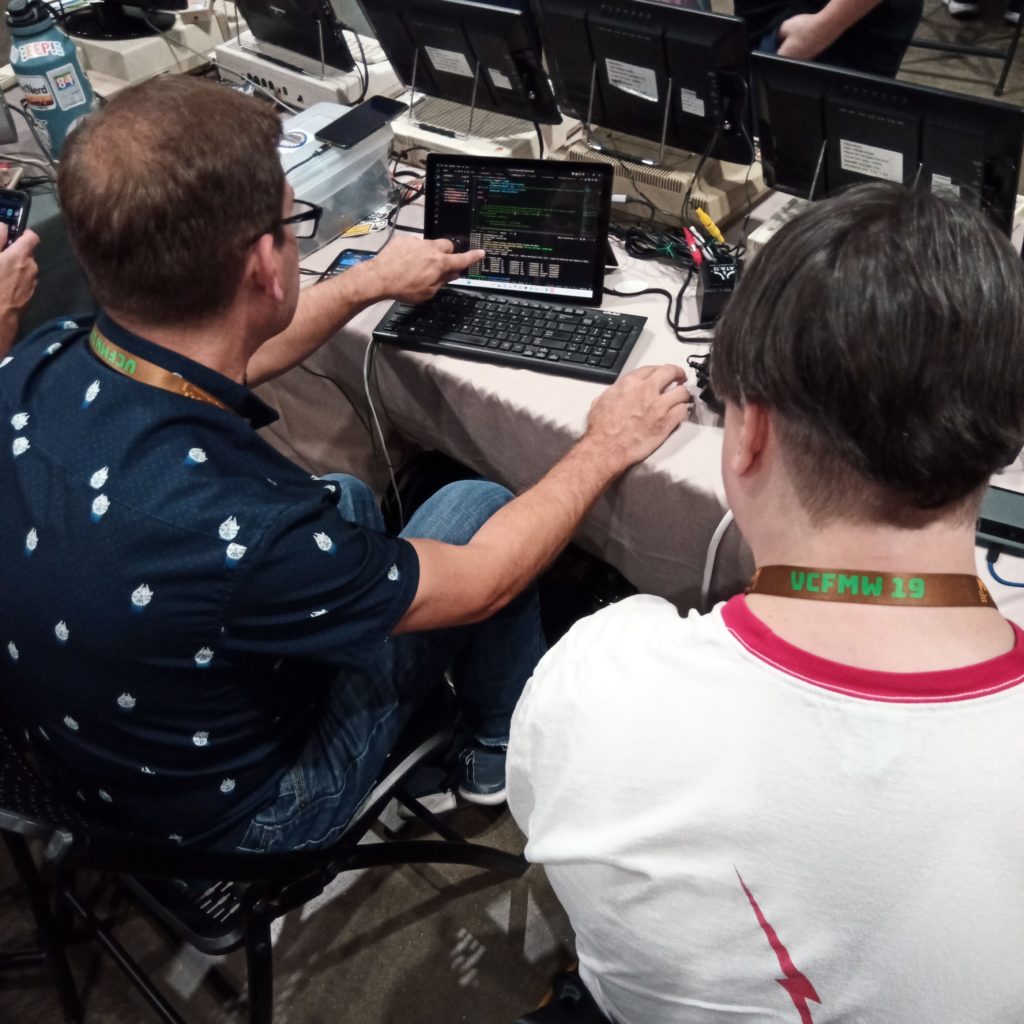
Jeff Piepmeier and Thomas Cherryhomes work on making the ESP32-S3 play nice with FujiNet firmware

Jeff P and Thom C

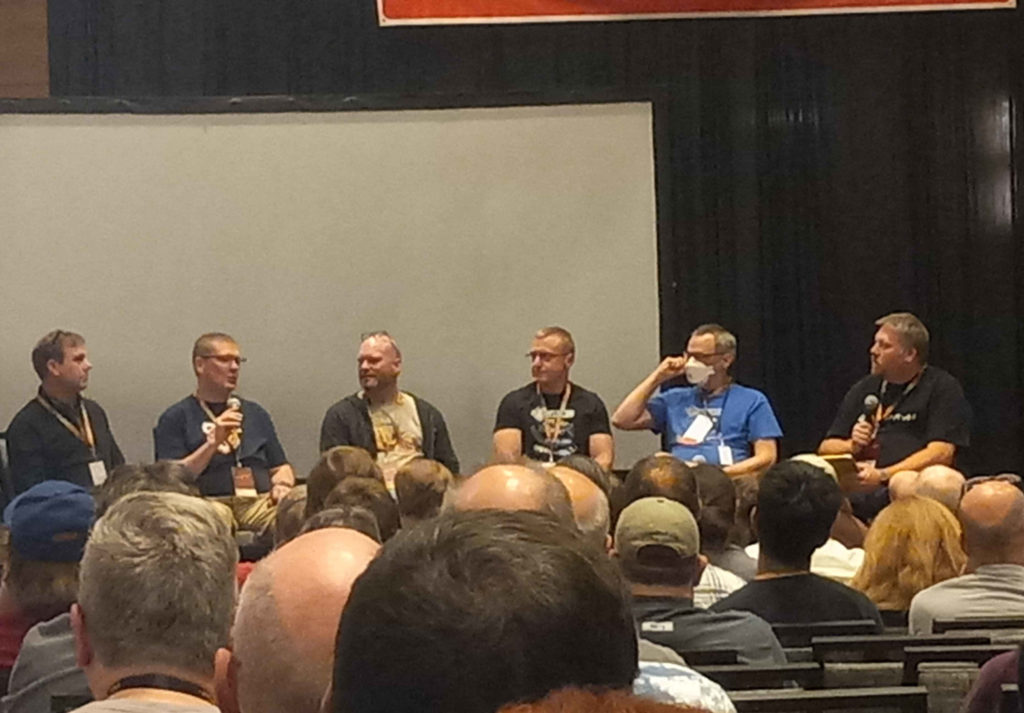
Jeff Piepmeier (far left) on a panel about making modern hardware for vintage computers

Jeff P (left)

5 Card Stud C64 Menu

FujiNet Lobby: Game & Platform Expansion

Work continues on the FujiNet Game Lobby and support for the Commodore 64 platform has begun. The Atari 8 platform gets an updated version of the FujiNet enabled Reversi BASIC game client and is now available to play from the Lobby. We are working on a new chat server for the Lobby so people can get acquainted before starting a new game.

Check out Andy’s post at atariorbit.org for more info and pictures of the new game clients and lobby

FujiNet Game Lobby is Live and July 4th Game Day

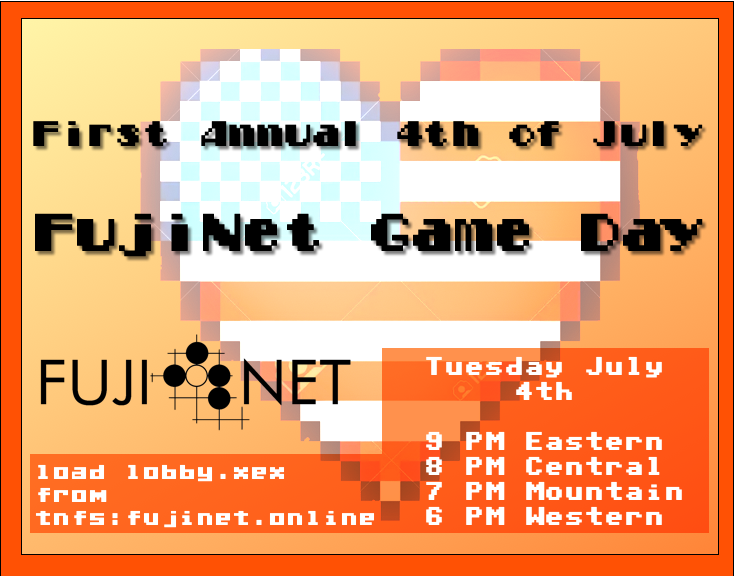
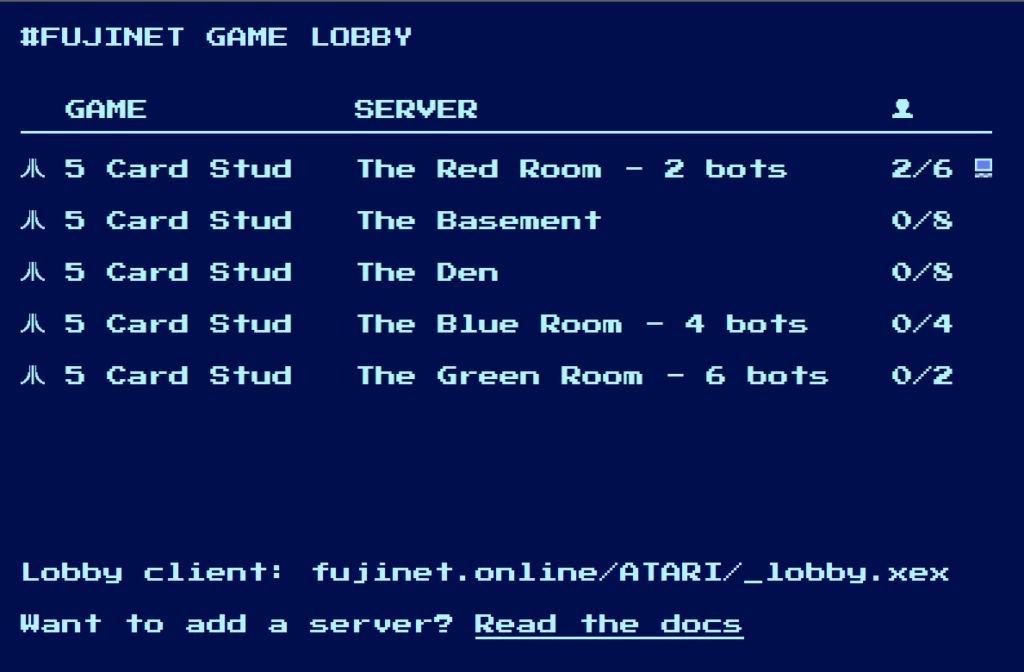
You can now load the FujiNet game lobby client on your Atari from the fujinet.online TNFS server at fujinet.online/ATARI/_lobby.xex. This coming July 4th we will be having a “game day” to celebrate so come join us for a fun night of poker!

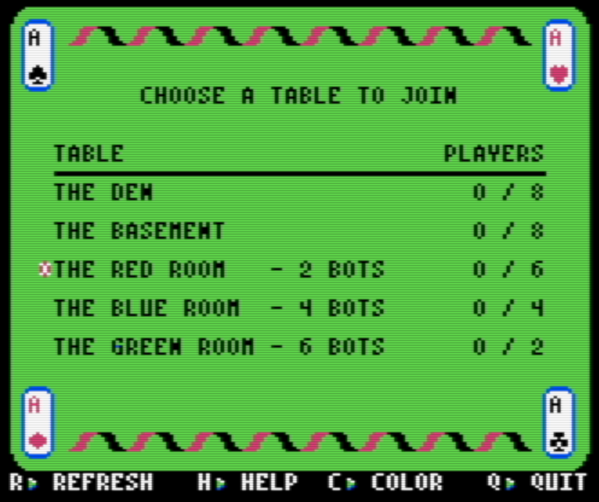
Currently, the only game available is 5 Card Stud Poker by Eric Carr. There are several “tables” or “rooms” available and some containing bots to play against. Any game server can register with the lobby server by following the documentation at http://fujinet.online:8080/docs. You can also see how many people are playing by pointing your browser to http://fujinet.online:8080

The 5 Card Stud card game and Lobby was created to show the possibilities of FujiNet. We hope others can use this example and make other new games so we can enjoy using our retro machines together in this connected world we now live. While the 5 Card Stud game and Lobby client are currently only supported on Atari, clients can be written for other FujiNet platforms facilitating multi-platform retro gaming.

Lobby server source code:
https://github.com/FujiNetWIFI/servers/tree/main/lobby

5 Card Stud server source code:
https://github.com/FujiNetWIFI/servers/tree/main/5cardstud

Lobby client source code:
https://github.com/FujiNetWIFI/fujinet-apps/tree/master/lobby

5 Card Stud client source code:
https://github.com/FujiNetWIFI/fujinet-apps/tree/master/5cardstud

FujiNet and Meatloaf at VCFSW 2023

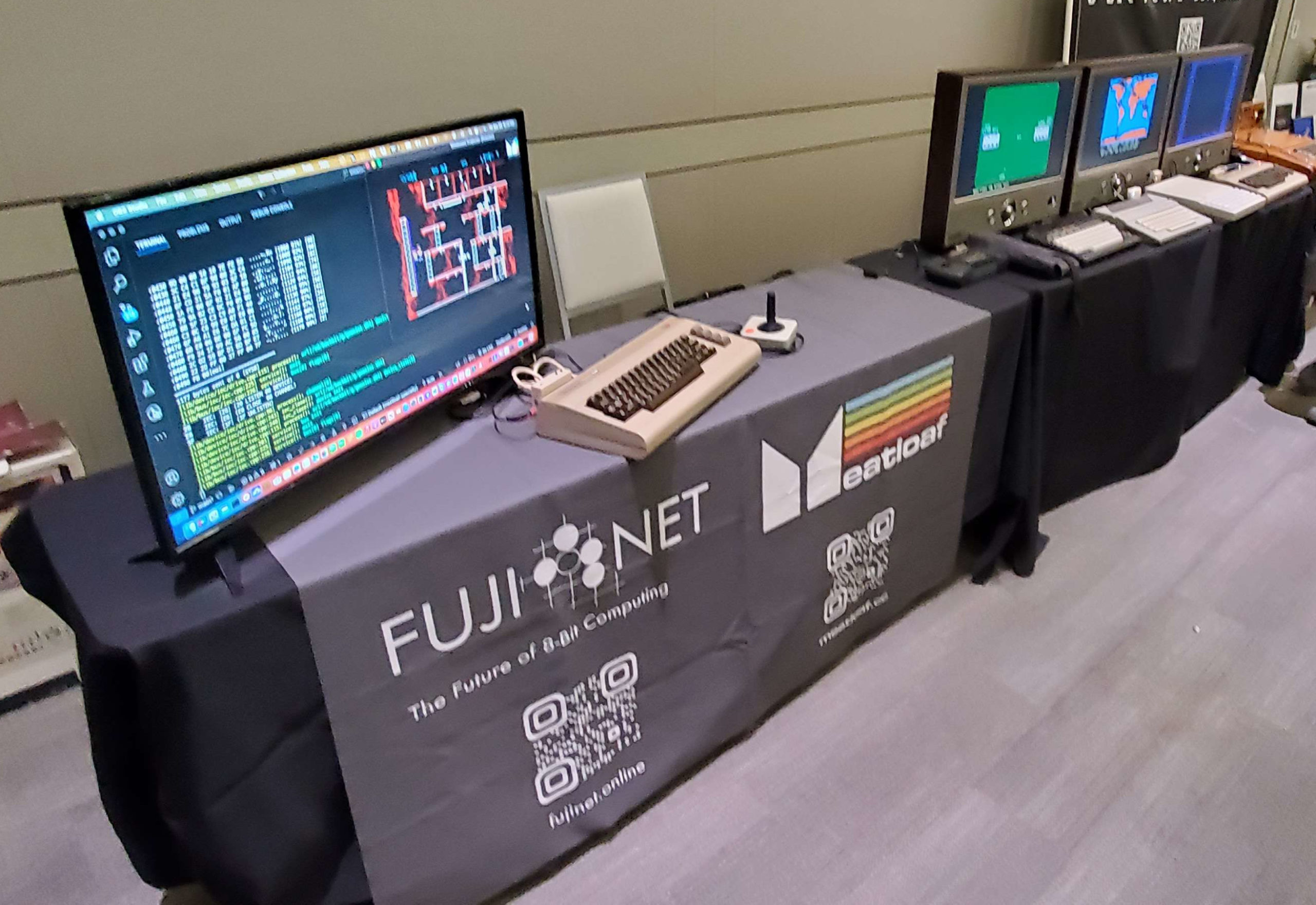
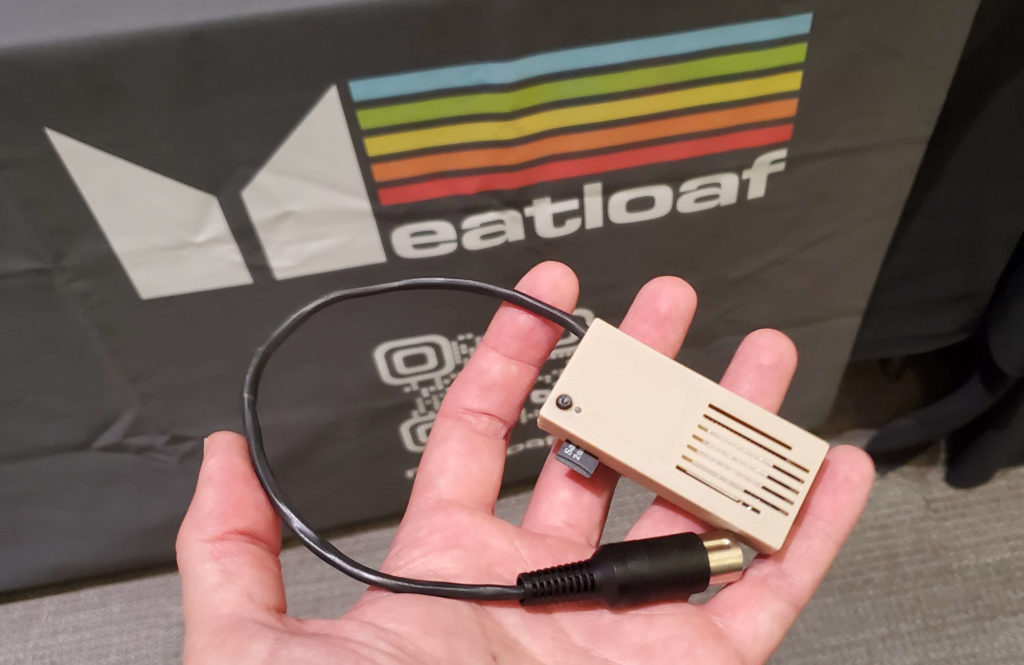
Thomas Cherryhomes and Jaime Idolpx attended VCFSW 2023 to show off the FujiNet and Meatloaf projects. On display was the upcoming FujiNet for Apple 2 Revision 1 hardware, the “FujiLoaf” prototype hardware for the Commodore 64, the FujiNet / Meatloaf “Nugget” for Commodore IEC (VIC-20, Plus/4, 64, 128), FujiNet for Atari Lynx and of course the original FujiNet for Atari 8-Bit

Thomas also gave a talk about the past, present and future of FujiNet:

Pictures from the event:

FujiNet also got a shout out from Bo Zimmerman in his talk “Beyond the BBS”:

FujiApple Rev1 Boards Arrive for Testing

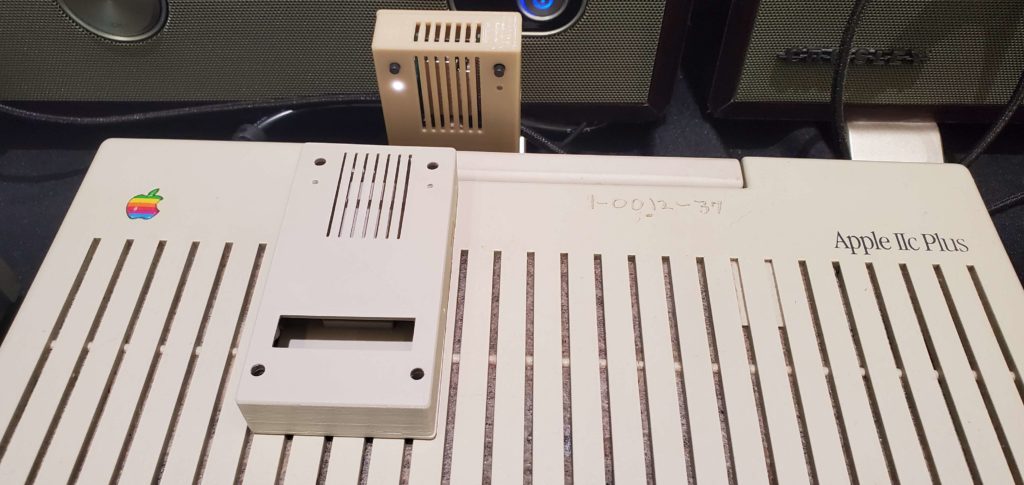
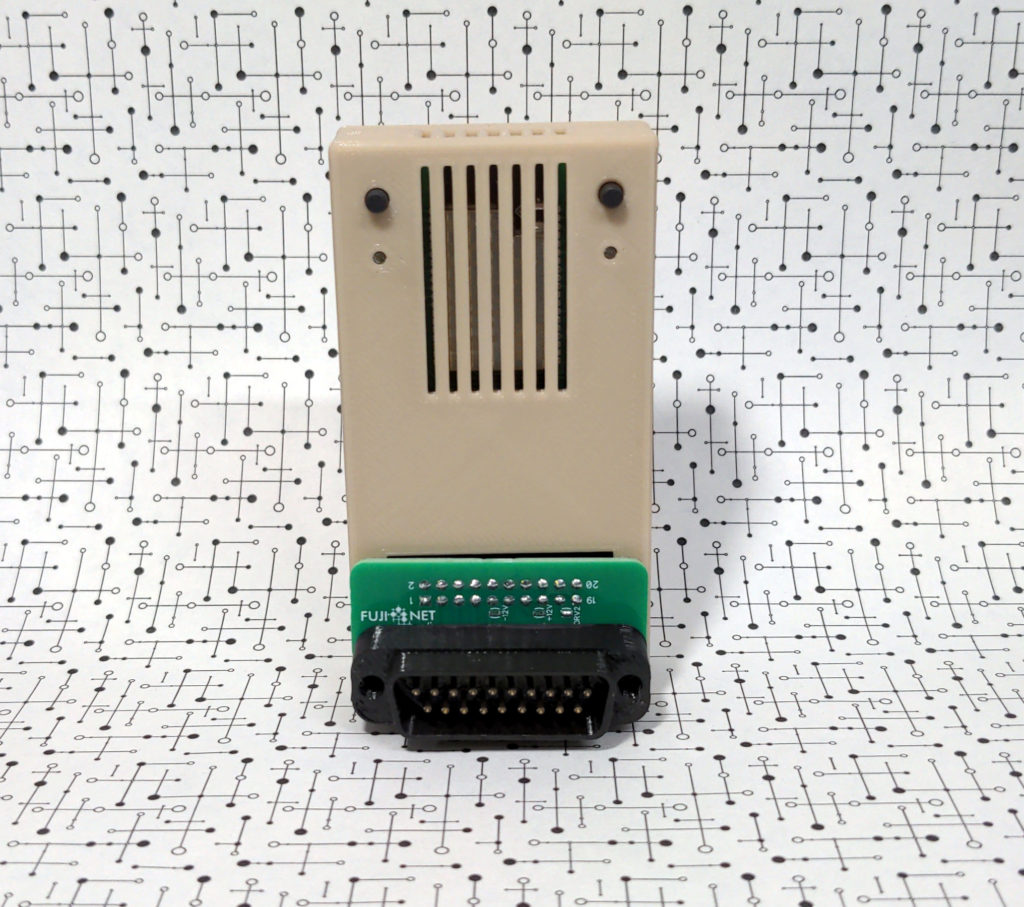
The first batch of 10 PCBs for the Apple II FujiNet have arrived! Initial tests look good on my Apple IIe with Grappler+ SmartPort card using the DB19 disk controller. Several units have been assembled and headed out to others with IIc, IIc+ and IIgs systems for further testing.

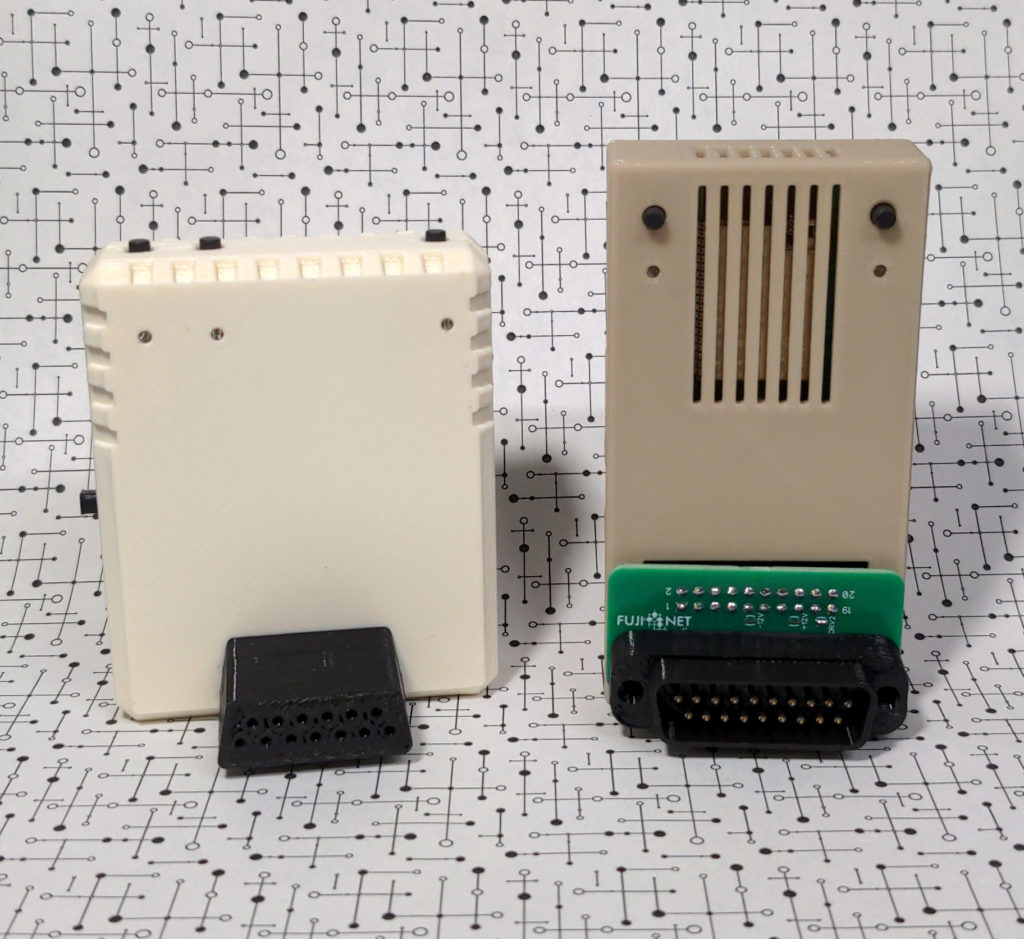
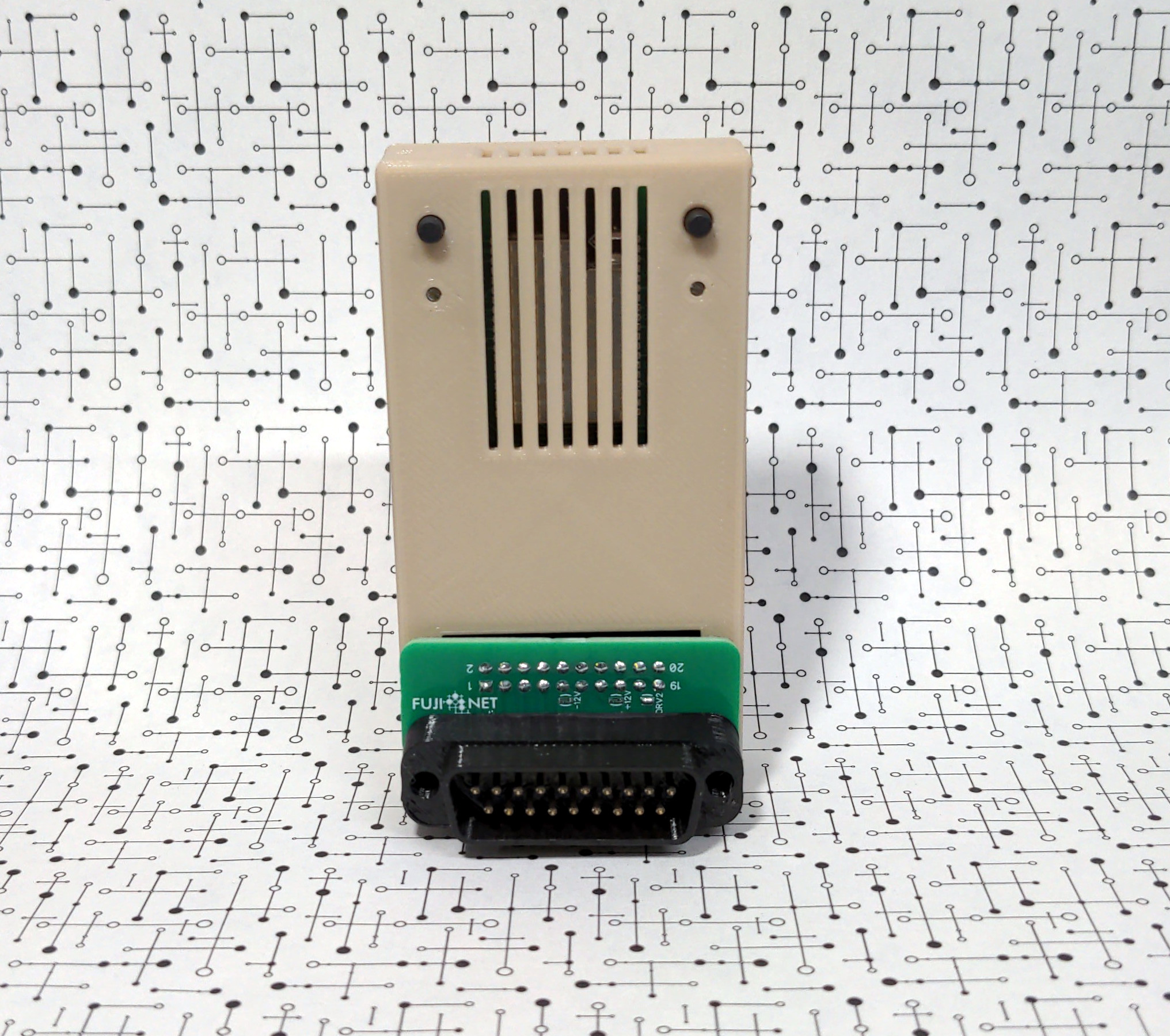
This design allows you to use the FujiNet in one of two ways. You can connect the custom DB19 adapter into the FujiNet and it will plug directly into the back of the Apple IIc or IIc+, just like the Atari FujiNet connects to the SIO port.

For other systems where the FujiNet does not fit vertically, you can use the same custom DB19 adapter with a 20 pin cable, or just a regular 20 pin IDC cable directly into the Disk II controller.

An audio out port is on this test board but we’re unsure if it will remain. The Atari FujiNet has audio output that is piped directly from the ESP32 through the SIO port into the systems POKEY sound chip. Since the Apple II has no sound input, one would need an external amplifier and speakers.

Stay tuned for more updates on testing progress!